


Tethering over longer distances gives photographers more flexibility in the studio and on location—but reliability is what ultimately determines whether that freedom works in practice. Dropped connections, stalled transfers, or inconsistent performance are almost always tied to how a tethering setup is built, not simply how far it runs.
With the right system in place, reliable tethering up to 63 feet is achievable while maintaining fast, consistent image transfer.
What Makes Reliable Long-Distance Tethering
Stable tethering over distance depends on three core factors:
- Maintaining clean, uninterrupted data transfer
- Securing connection points to prevent accidental disconnects
- Protecting extension connections from environmental and physical stress
Long-distance tethering works best when cables, extensions, and accessories are designed to function together as a complete system.

Why Data Transfer Matters When Tethering Over Long Distances
The foundation of any long-distance setup starts with the tether cable itself. TetherPro Optima USB-C Cable is engineered specifically for fast, reliable image data transfer.
Optima cables remove power delivery from the connection, allowing the solution to be focused entirely on data. This helps overcome dropped connections that can occur when camera power settings or power negotiation interfere with image transfer, which is an issue that becomes more noticeable as tethering distance increases.
By prioritizing data performance, Optima cables help ensure images move quickly and consistently from camera to computer.
How to Extend a Tethering Cable Without Losing Connection
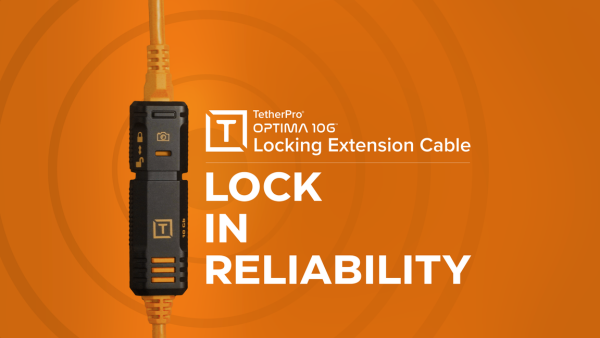
For longer runs, tether cables can be paired with the TetherPro Optima 10G TetherBoost Locking Extension Cable. This locking extension cable is designed to securely join tether and extension cables while maintaining high-speed performance.

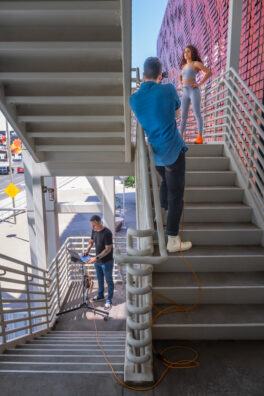
The locking connection helps prevent disconnects caused by movement, tension, or foot traffic which are commonly in busy studios or on-location shoots. When combined with Optima tether cables, photographers can confidently extend their tethered workflow up to 63 feet without sacrificing image transfer reliability.
How to Protect Tethering Cables on Location
As a tethering cable spans more of a studio or on-location set, there are simply more external factors to consider. Whether you’re working in a studio, on set, or on location, longer cable runs are exposed to more potential interference from direct, dust, foot traffic, rolling carts, or moisture.
In outdoor environments, weather and dirty or moist ground conditions add other considerations when building an extended cable connection between your camera and computer. Plus, busy sets include constant movement and increases the chance of cables being bumped, pulled, or separated at connection points.
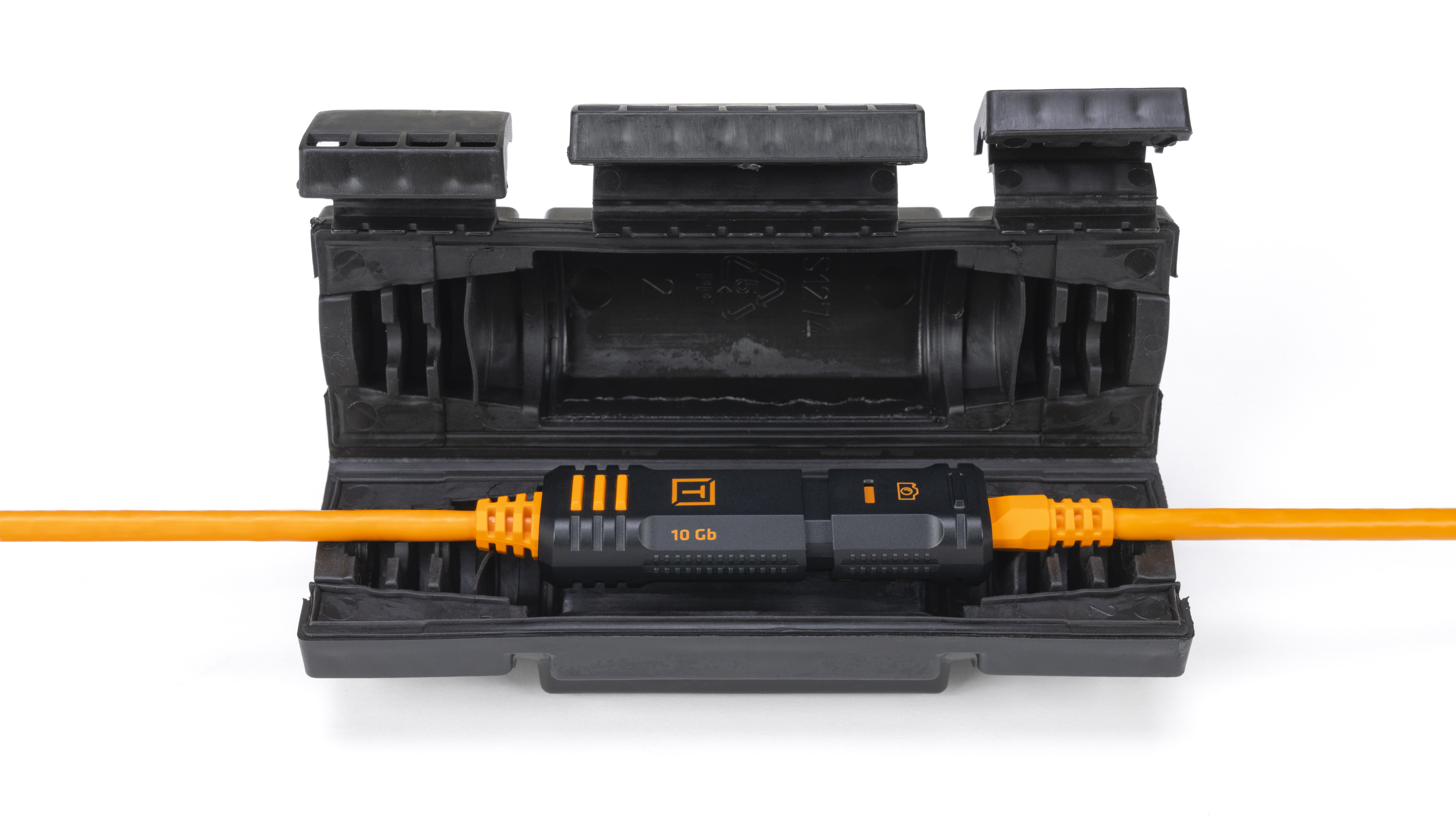
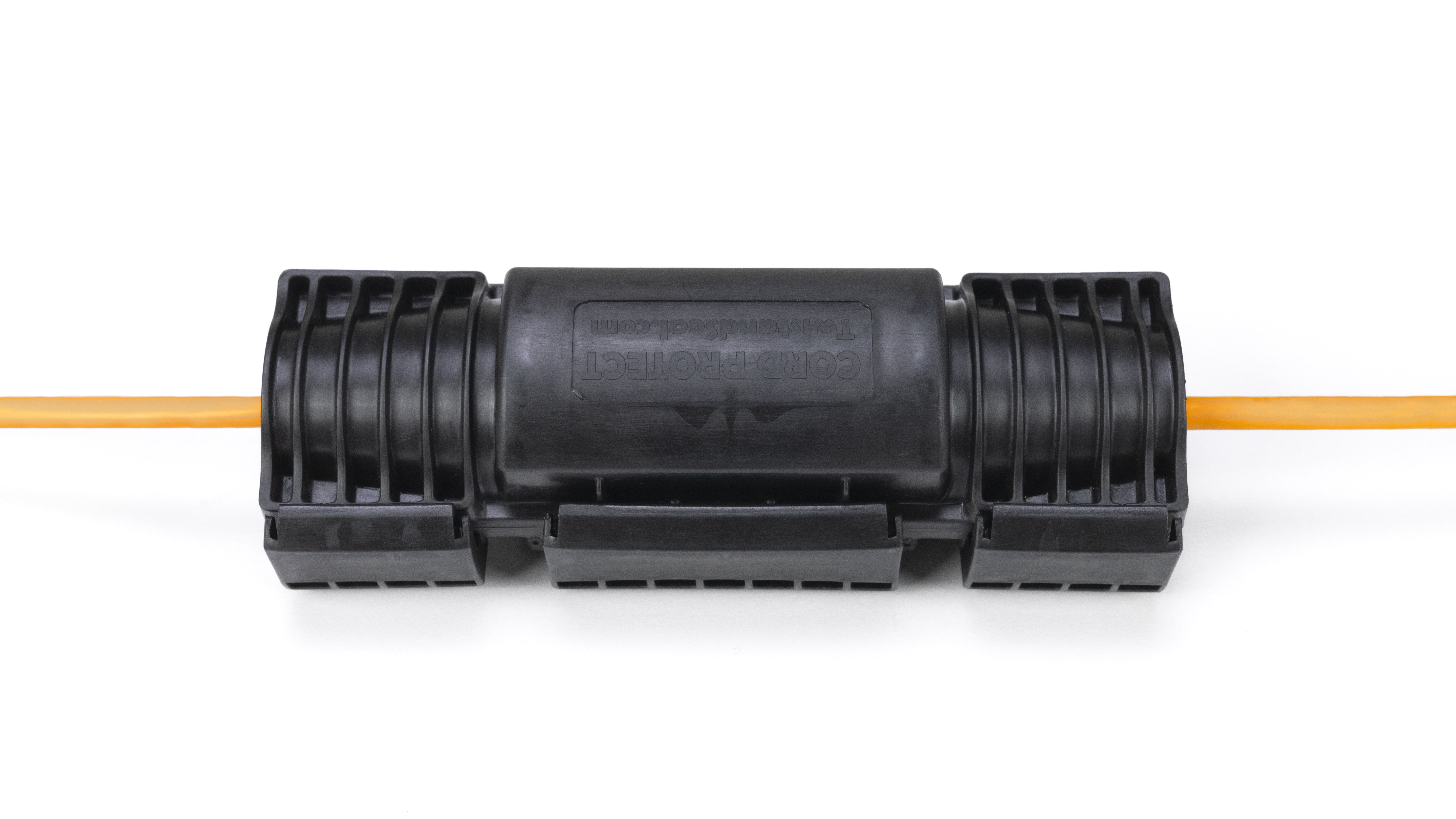
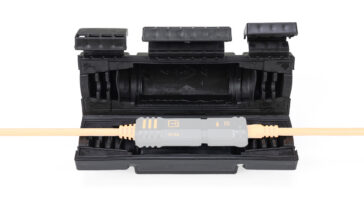
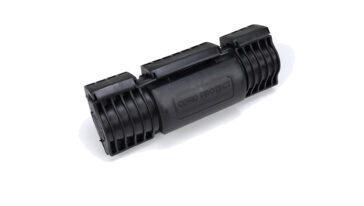
To add protection where it matters most, photographers can safeguard the connection points of an extended cable run with the Cord Protect Weatherizer. It helps protect and seal extension connections, providing added protection against environmental exposure and physical stress—whether you’re shooting outside or navigating a high-traffic set.
Technical Support for Long-Distance Tethering Setups
Every tethered workflow is different. Camera settings, computer configuration, cable routing, and shooting conditions all play a role in performance.
If questions come up, or if you need help troubleshooting a specific setup, Tether Tools’ technical support team is available to help. Whether you’re dialing in a long-distance tethering configuration, selecting the right cable combination, or resolving connection issues, expert assistance is just a call or message away.
Reliable Tethering Starts with the Right System
Long-distance tethering is about building a system designed for stability, speed, and real-world use. With Optima tether cables, locking extension cables, and protective accessories, photographers can work farther from their workstation without sacrificing performance.
Compatibility with the Optima 10G Cable Line
The SecureLock connection works with all TetherPro Optima cable tips in any length, giving photographers the flexibility to build a custom tethering setup that fits their workflow. You can leave the connection unlocked for fast breakaway from the TetherPro Optima 10G 20″ Pigtail Adapter Cable or other Optima cable lengths. Engage the lock for a secure, stable connection when uninterrupted data transfer matters most.
-
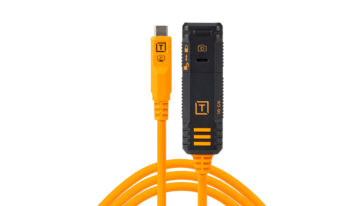
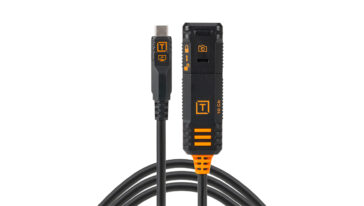
TetherPro Optima 10G USB-C Locking Extension Cable
$79.99 Select options This product has multiple variants. The options may be chosen on the product page -
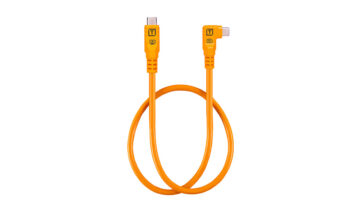
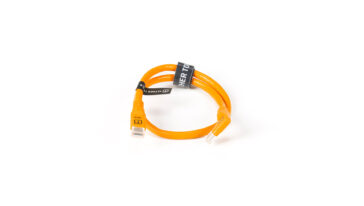
TetherPro Optima 10G USB-C 20” Straight to Right Angle Adapter
$19.99 Add to cart -
Cord Protect Weatherizer
$9.99 Add to cart
