

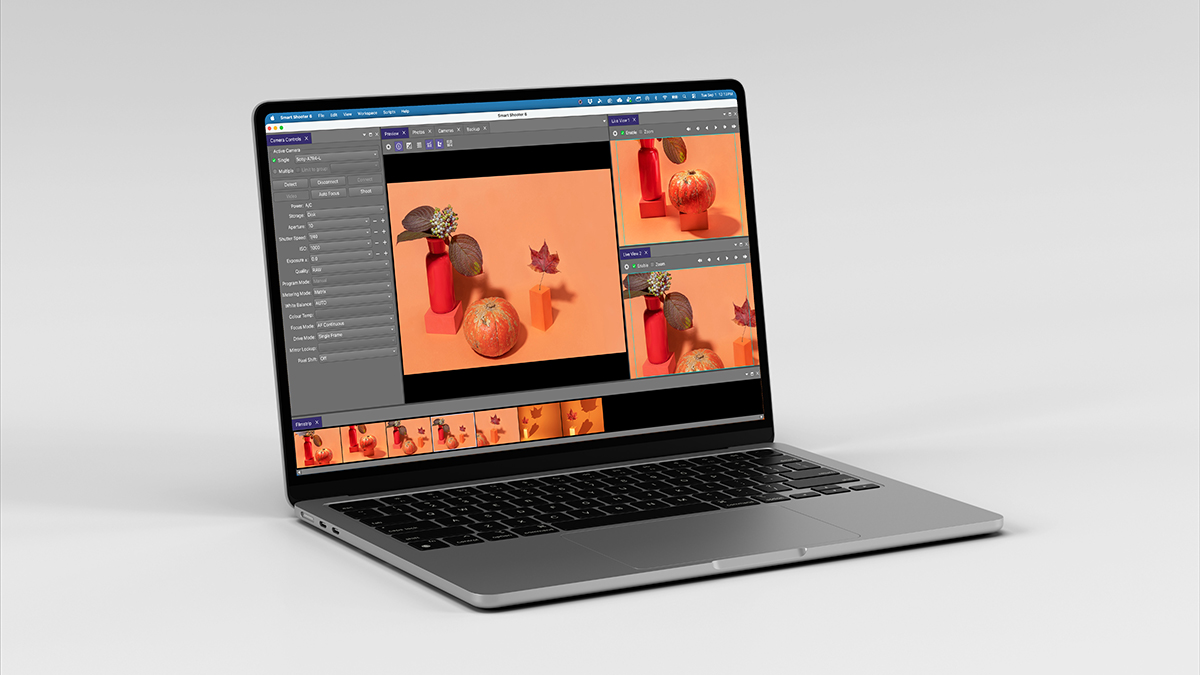
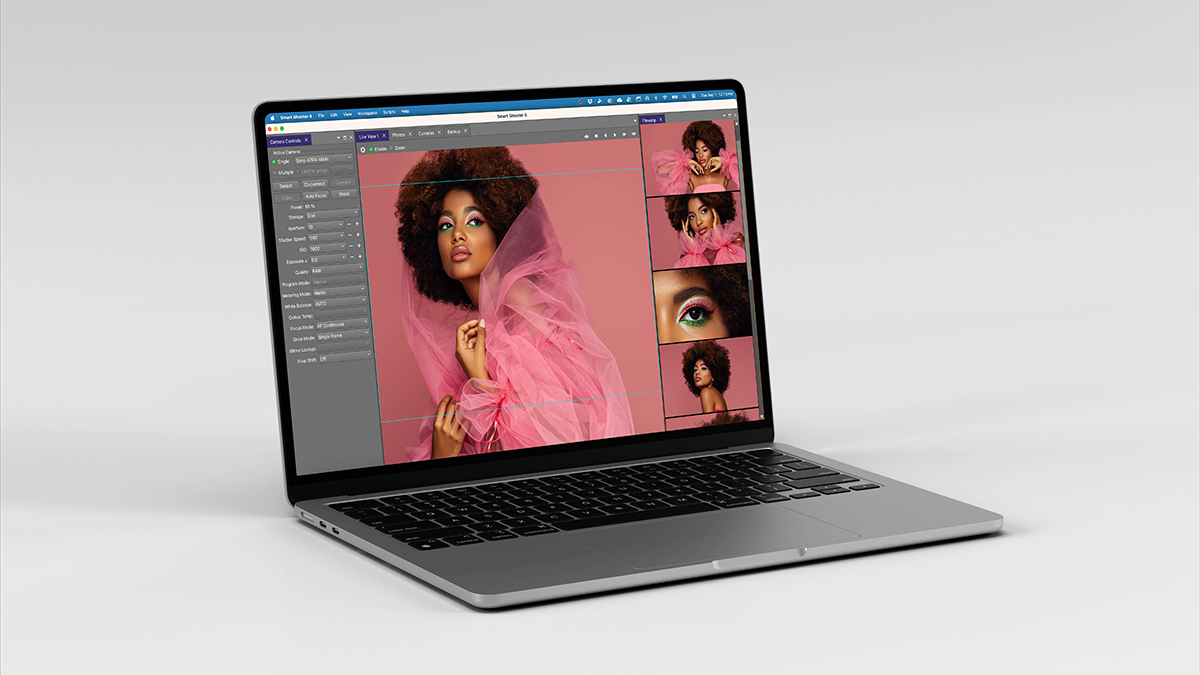
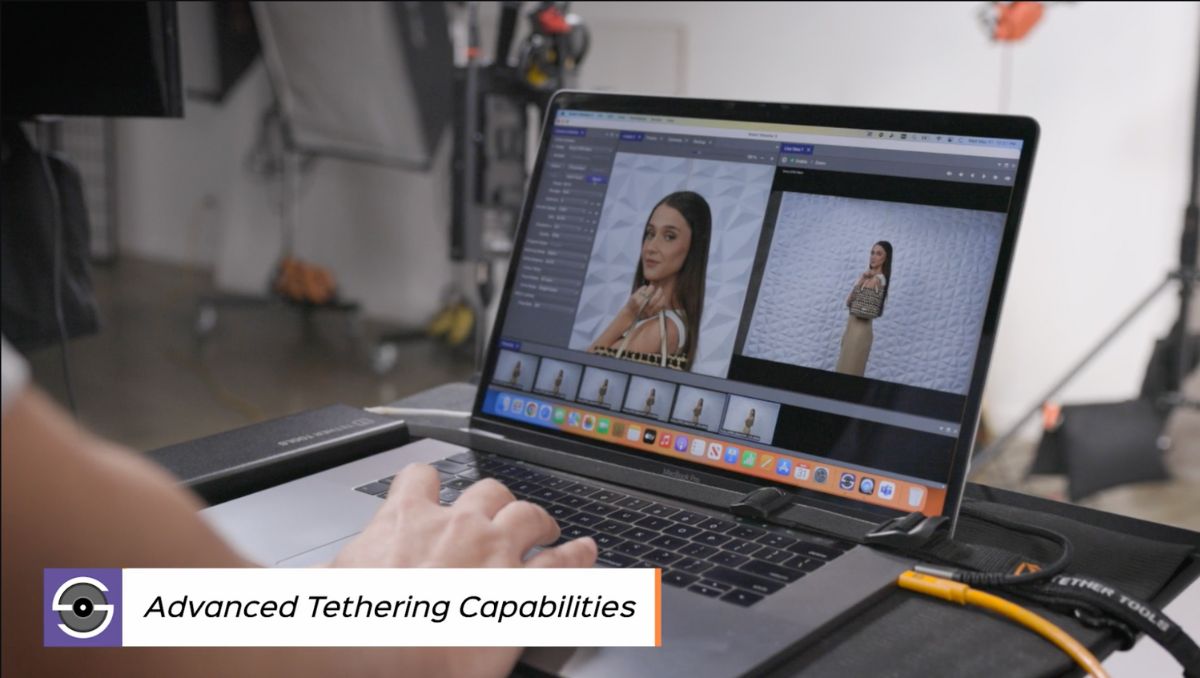
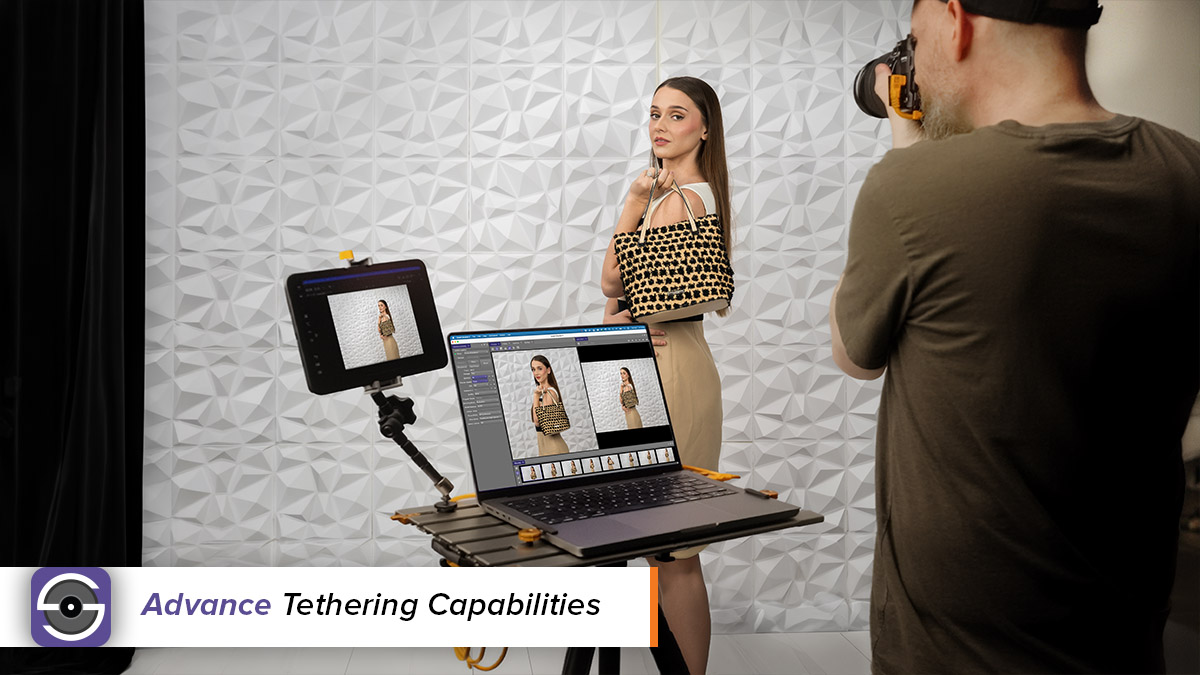


Smart Shooter 6 is professional tethering software built for photographers, studios, and production teams that need a fast, reliable, and feature-rich capture workflow without paying for editing tools they don’t need or committing to recurring subscription fees.
Whether you’re capturing portraits, products, cultural heritage collections, high-volume photography, or complex multi-camera projects, Smart Shooter 6 gives you the tools to control your camera, transfer and review images, and keep your shoot organized from one dedicated tethering application.
Smart Shooter 6 expands compatibility with the latest professional Canon, Nikon, Sony, and Fujifilm cameras while introducing major workflow and performance improvements designed to keep photographers focused on creating—not troubleshooting.
Using Various Cameras
The default version of Smart Shooter 6 will permit any compatible camera to be tethered at any time. Any compatible camera can be used with the standard license. Additional/Multi-Camera licenses are not required if you intend on using various camera models with Smart Shooter.
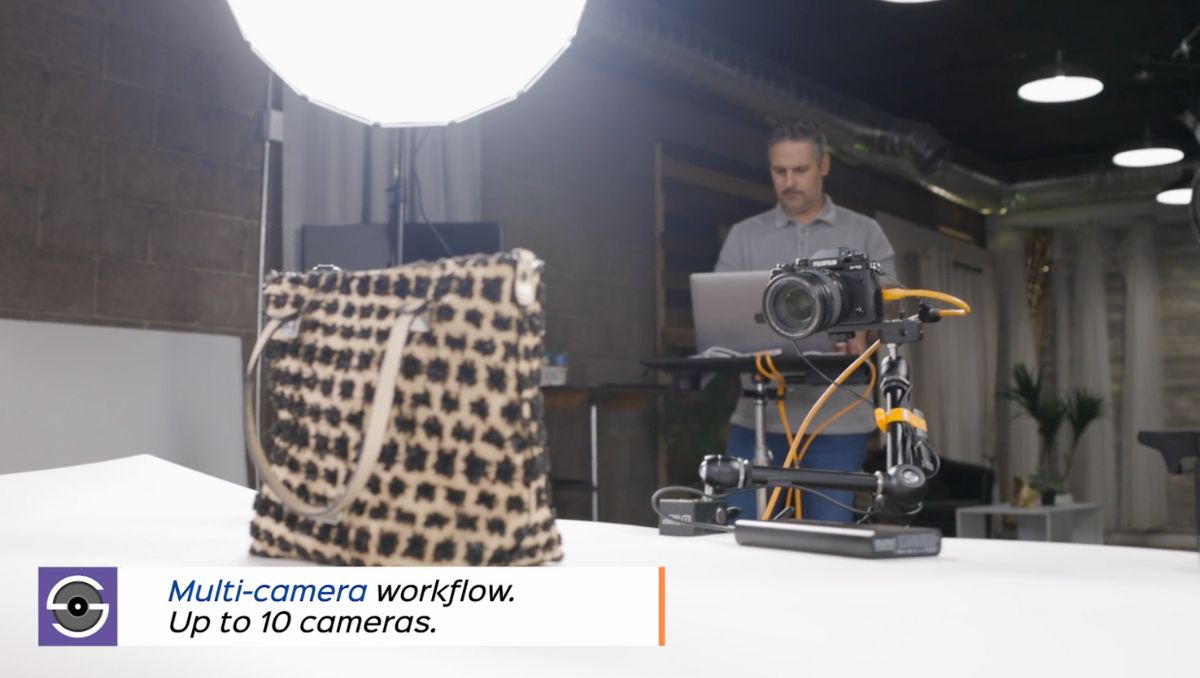
Multi-Camera Control
Smart Shooter 6 has a Multi-Camera Capture feature which allows multiple cameras to be tethered simultaneously. This feature requires Add-on Camera Licenses to be purchased if you want to capture and transfer from multiple cameras at the same time. Example: for 4-camera synced capture, add 3 cameras to your license. Why Smart Shooter 6?
Reliable. Efficient. Flexible. Affordable.
Why Smart Shooter 6?
Photographers need a tethered workflow they can trust.
Smart Shooter 6 is purpose-built for tethered photography, giving you reliable camera control, fast image transfer, powerful rating, filtering, sorting and organization tools, and advanced multi-camera capabilities without the unnecessary features or recurring costs of a full editing application.
Built for Reliable Tethered Capture
Connect and control compatible cameras directly from your Mac or Windows computer, automatically transfer images as you shoot, review photos on a larger display, and keep your capture workflow moving.
One-Time Purchase. No Subscription.
Get professional tethering software with a one-time purchase and no monthly subscription fees. Add advanced API connectivity or additional Multi-Camera licenses only when your workflow requires them.
Smart Shooter 6 New Features
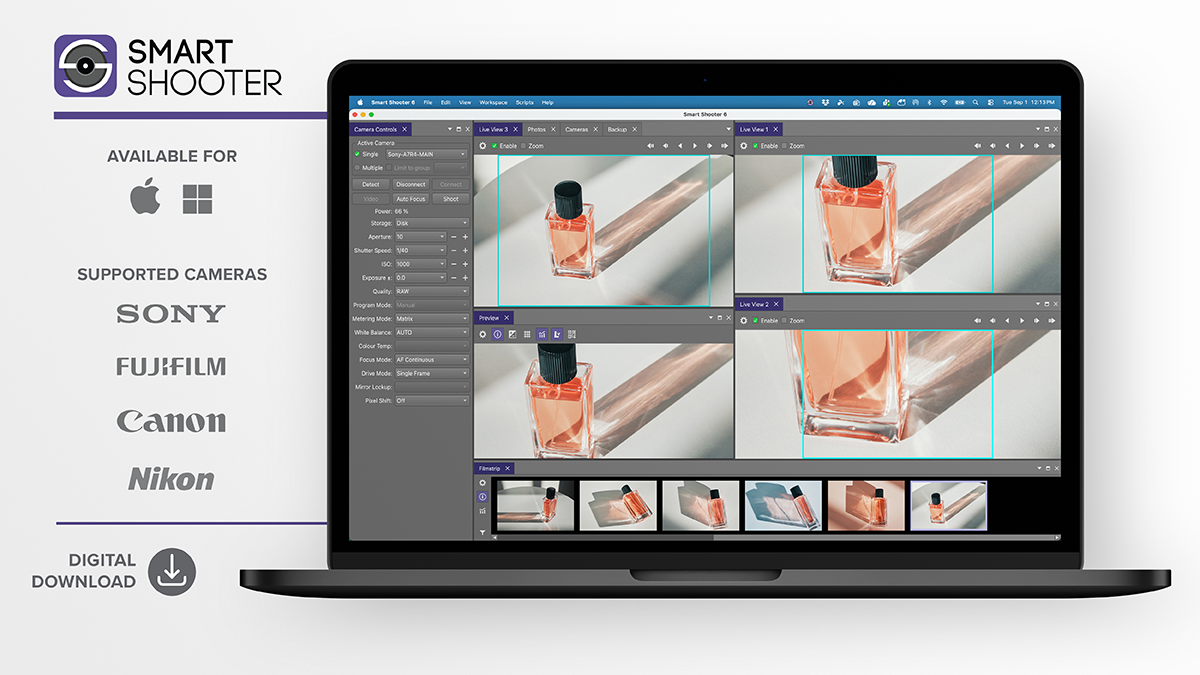
Expanded Camera Compatibility
Stay current as your gear changes. Smart Shooter 6 expands support for the latest professional cameras from Canon, Nikon, Sony, and Fujifilm, including newer models at time of release, such as:
- Canon EOS R1
- Canon EOS R5 Mark II
- Nikon Z6 III
- Sony Alpha 1 II
- Sony Alpha 9 III
- Fujifilm X-H2S
See the Compatible Cameras section below for the complete list of supported camera models.

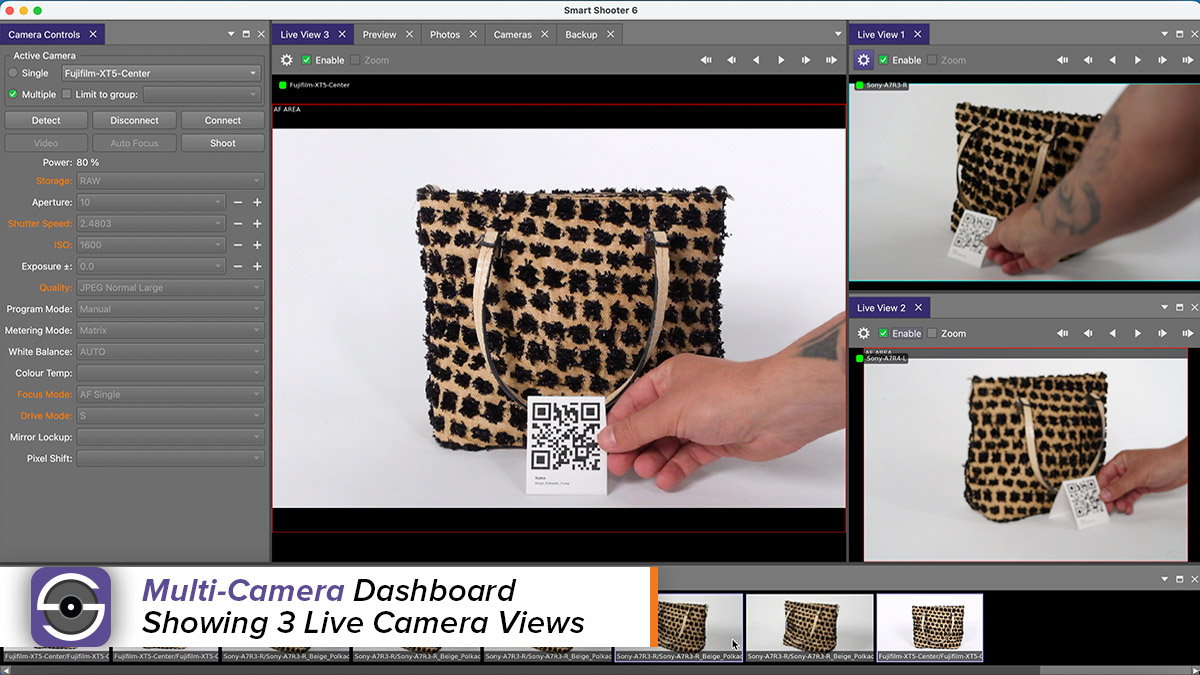
Multi-Camera Dashboard
Take control of complex multi-camera shoots with a new Dashboard designed to give you better visibility across multiple connected cameras.
Monitor your cameras from one centralized workspace and streamline multi-camera capture for studio photography, product photography, cultural heritage digitization, production environments, and other advanced workflows.
Additional Multi-Camera licenses are required when capturing and transferring from multiple cameras simultaneously.
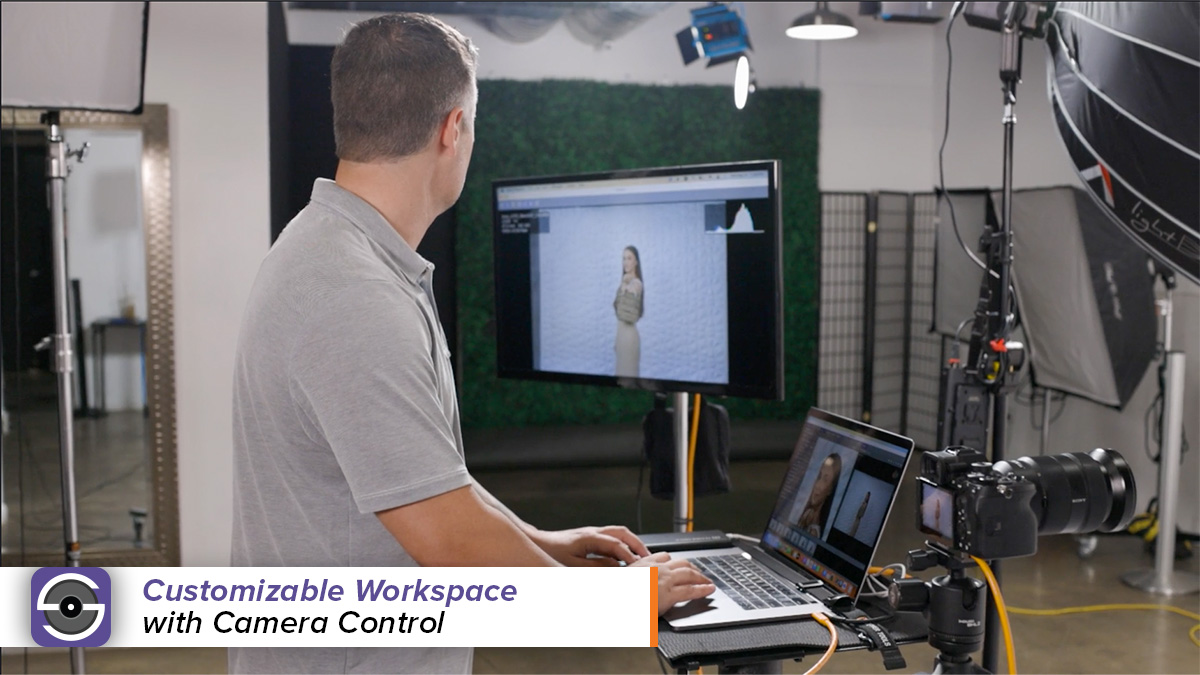
MyWorkspace
Dock windows and save your customized interface to control how your software looks and feels.
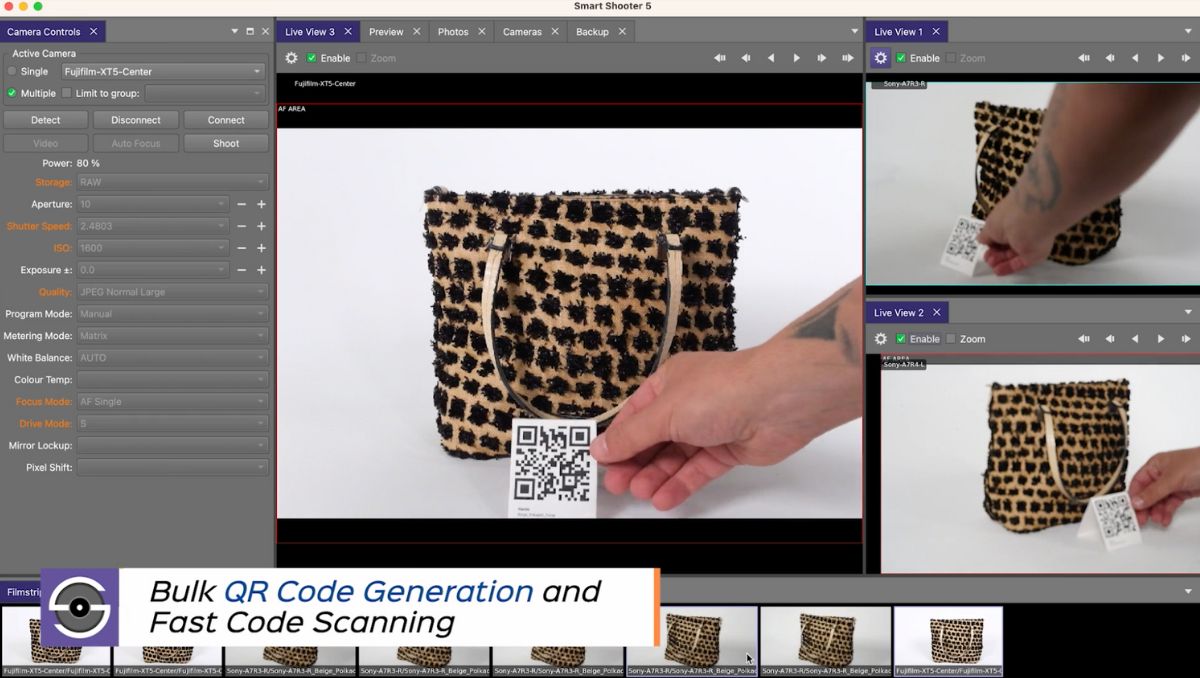
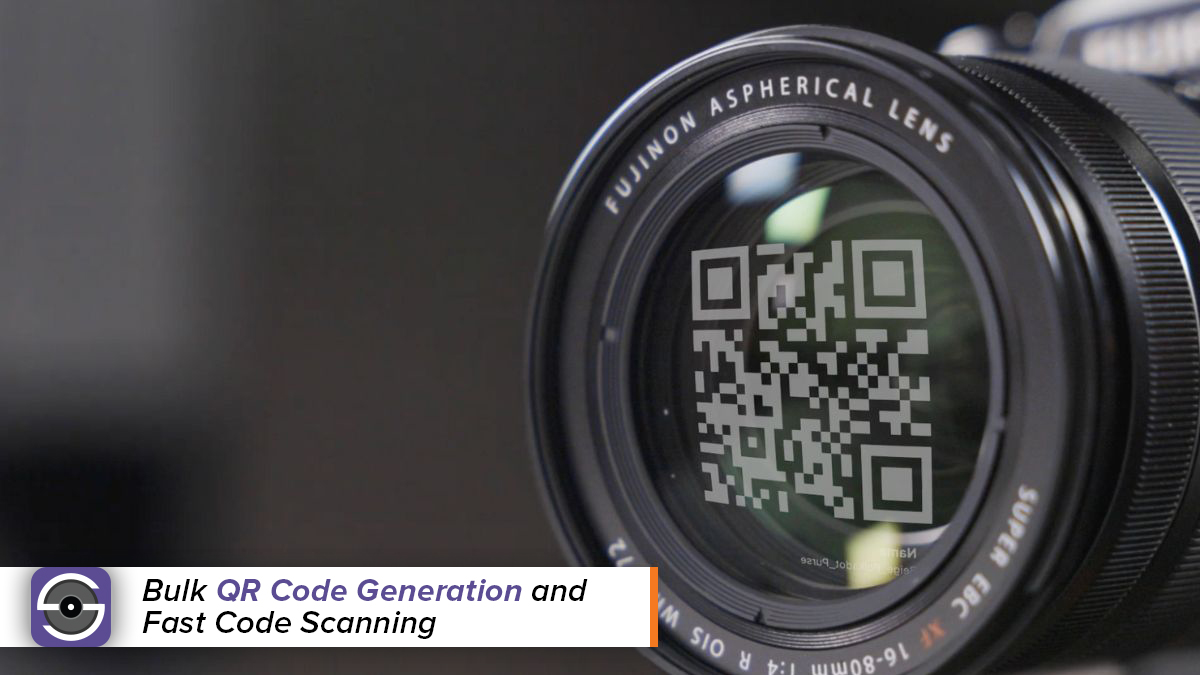
QR/Barcoding
Smart Shooter can scan QR and Barcode data through the lens or via a scanner. The software saves the code info to the image filename and/or to the meta data, making high volume photography a breeze.
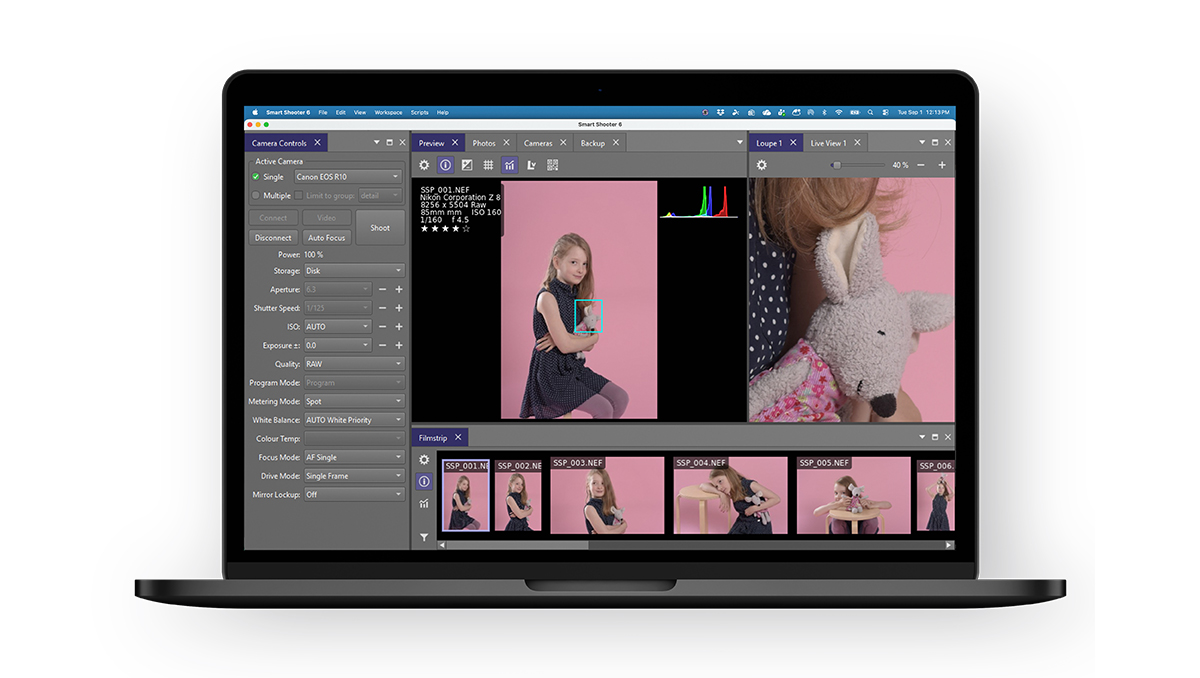
Smarter Image Review, Organization & Import
Make selects, organize images, and manage your entire shoot faster.
Smart Shooter 6 lets you rate images directly while you shoot and save ratings to EXIF data, helping your selections carry into compatible downstream editing workflows. Import existing images from your camera’s memory card to keep tethered and untethered captures together in one project, while an enhanced Filmstrip, faster thumbnail handling, improved filtering and sorting, Preview tools, and better download management make it easier to navigate even large shoots.
The result is a more organized workflow with less time spent searching and managing files—and more time reviewing, selecting, and shooting.
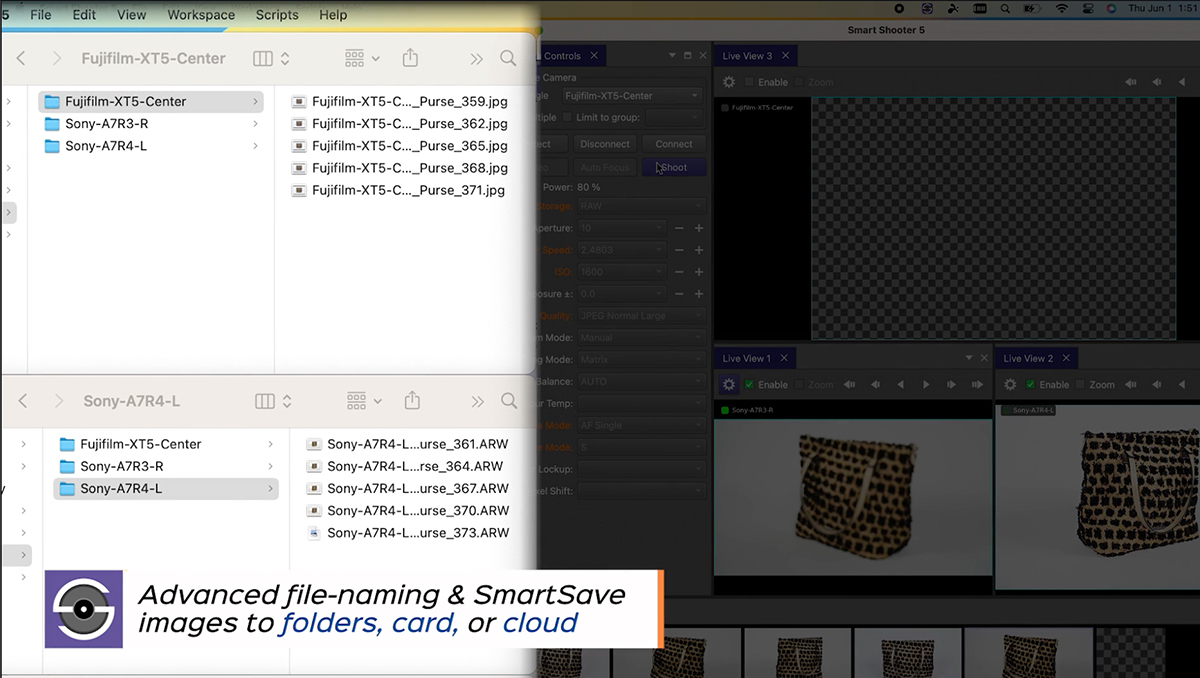
SmartSave
SmartSave to multiple locations simultaneously (card, computer, cloud and more) for complete control of file backup.
Optional API Connection
Need Smart Shooter to work as part of a larger production system?
An optional API Connection add-on is available for advanced integrations, allowing Smart Shooter to fit into specialized and customized photography workflows.
Important: API Connection is sold separately from the standard Smart Shooter 6 license.
For more information regarding Smart Shooter’s, features, tips, and tutorials check out the Smart Shooter YouTube Playlist.
 If so, click “More details” at the bottom. The Task Manager window should now look like this:
 To start the process dump, find “Smart Shooter 3” in the list of processes, and then right-click it to bring up the context menu, which looks like this:
 In the context menu, select “Create dump file“.
Once the process dump has been completed, the following acknowledge window will be presented.
In the context menu, select “Create dump file“.
Once the process dump has been completed, the following acknowledge window will be presented.
 This also shows where the process dump file was saved, in this case to the file:
C:\Users\francis\AppData\Local\Temp\SmartShooter3.DMP
Once you have this process dump file, you can send it to us at the usual address
This also shows where the process dump file was saved, in this case to the file:
C:\Users\francis\AppData\Local\Temp\SmartShooter3.DMP
Once you have this process dump file, you can send it to us at the usual address 


 To show this menu, click ‘Help’ in the top menu bar and then click ‘About Smart Shooter …’:

 On Windows the log files will be somewhere like:
