![Close-up of a hand mounting a large server blade/module with orange latches.] ,](https://tethertools.com/wp-content/uploads/2026/02/tether_tools_aerotrac_workstation_v-mount_adapter_dtap_battery_lifestyle_ATWS_ATVMNT-17-1200x678-1.jpg)



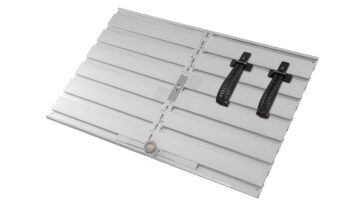
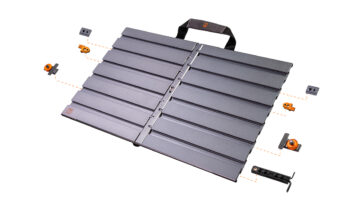
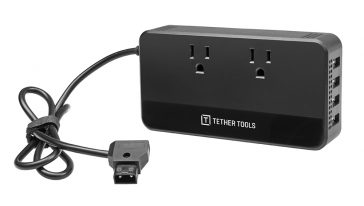
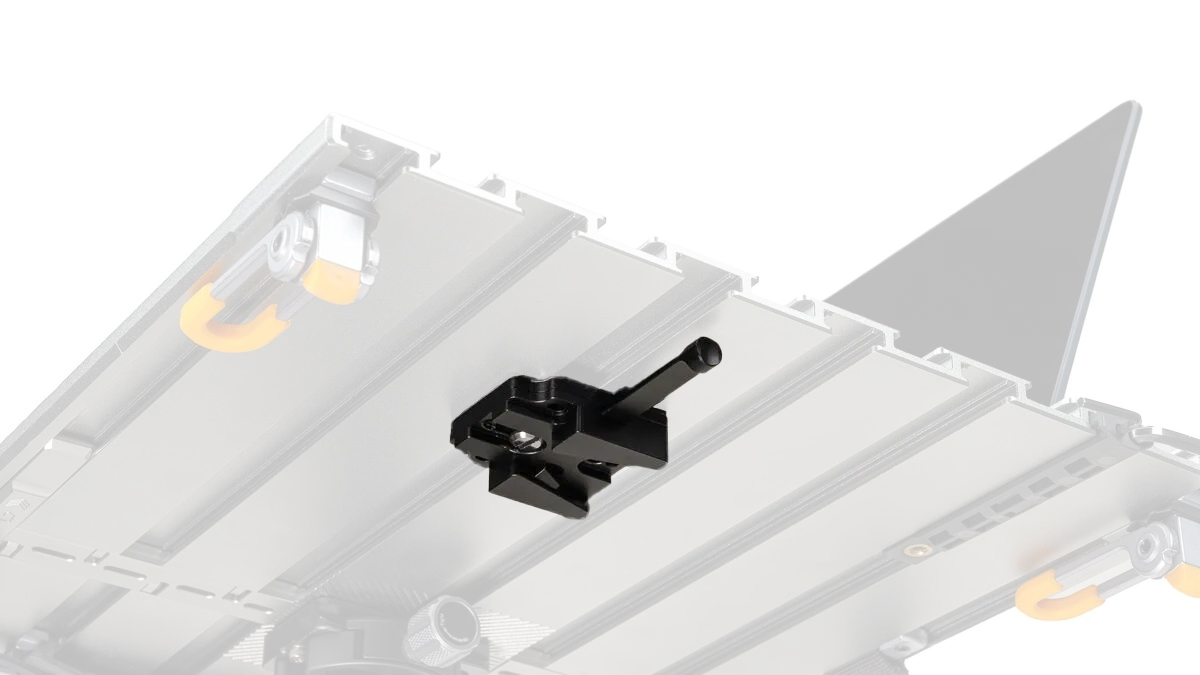
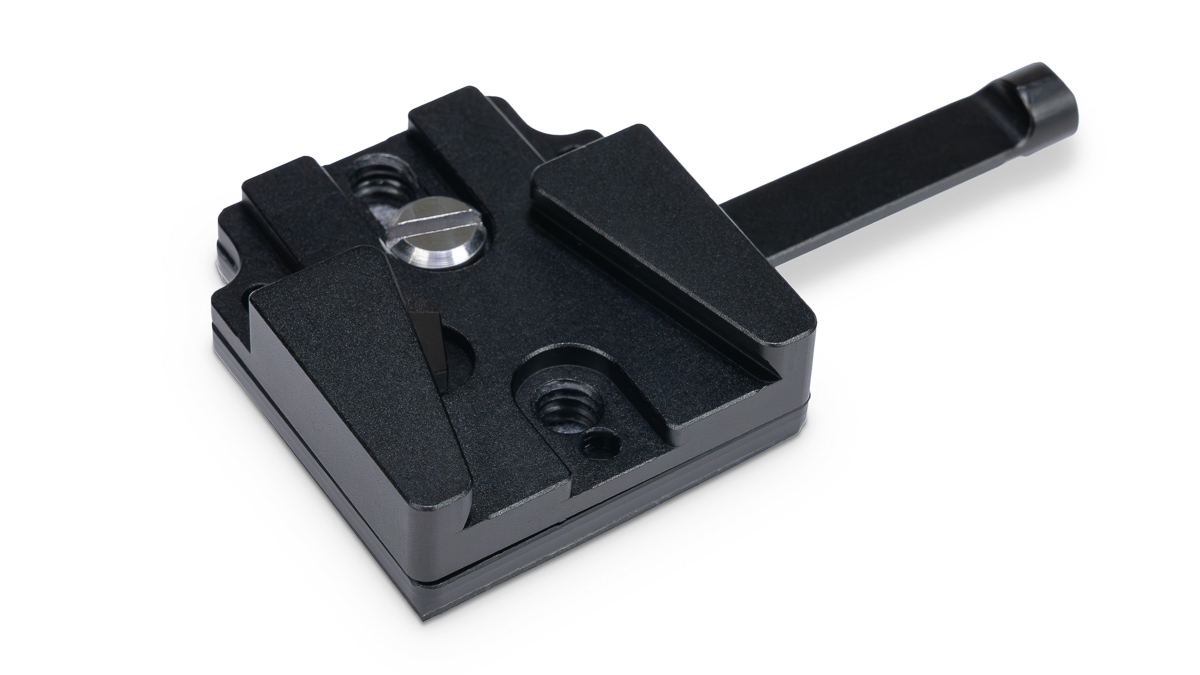
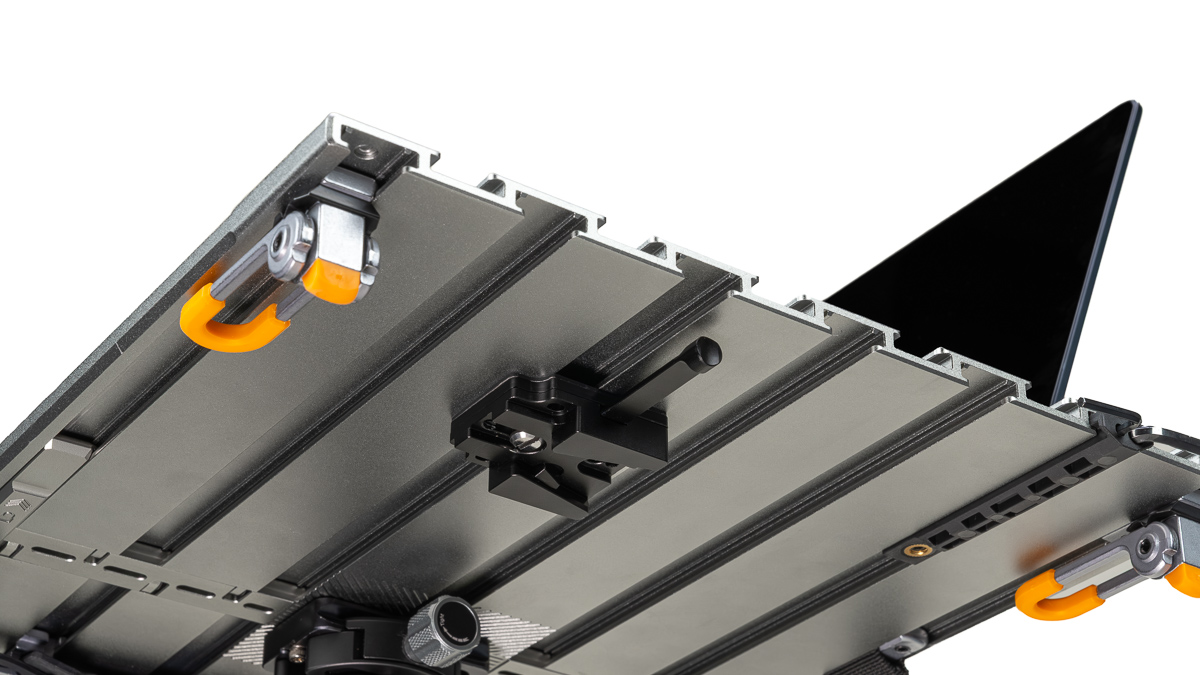
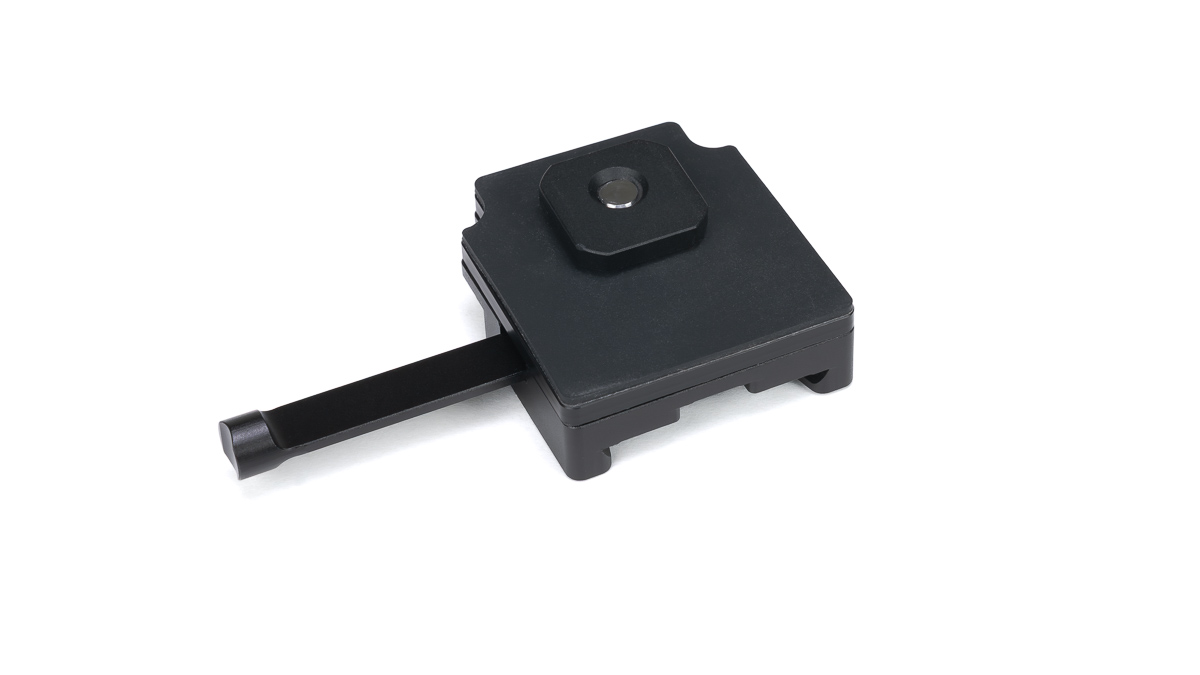
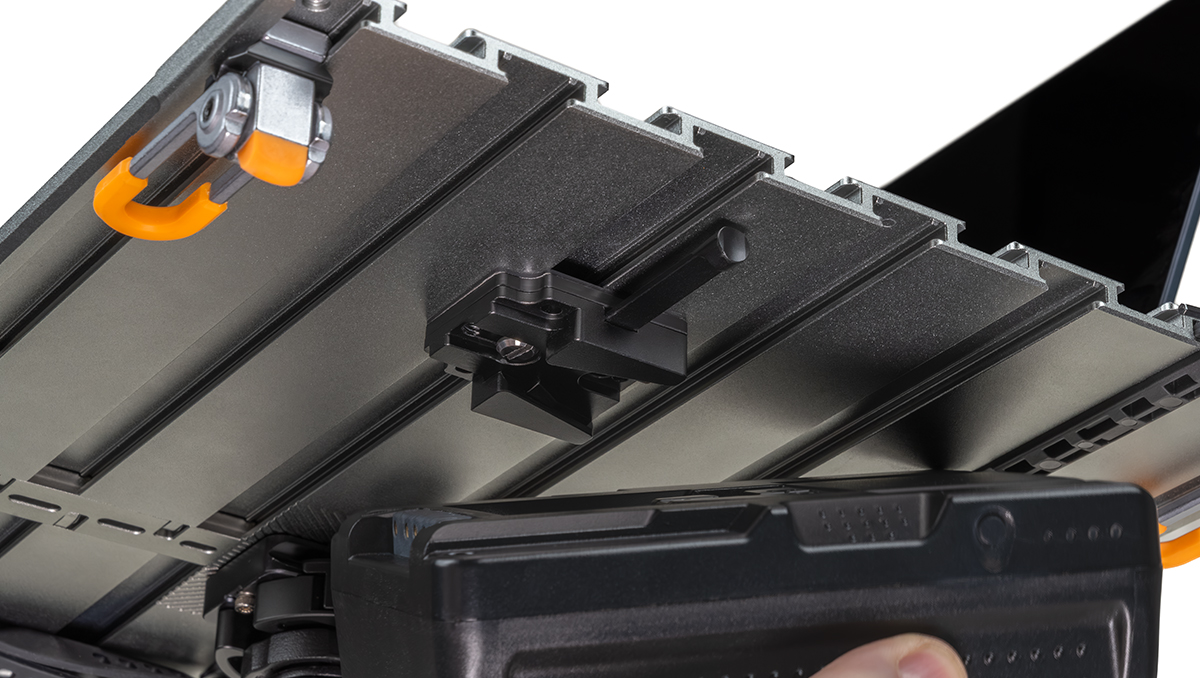
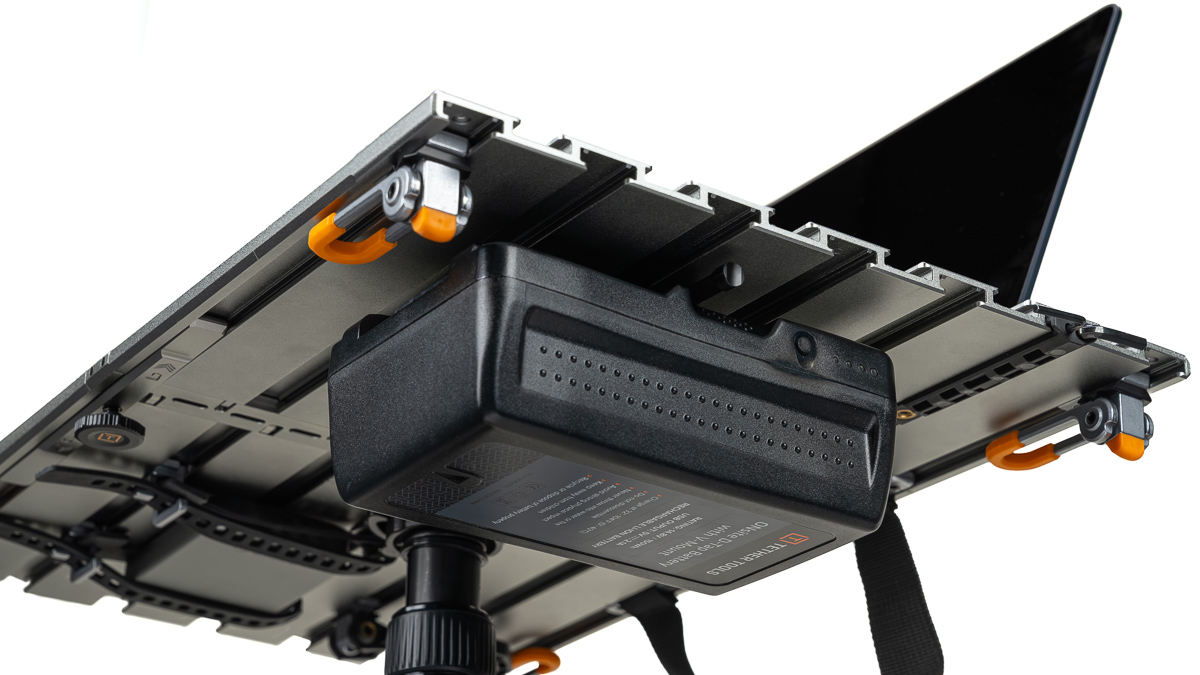
The AeroTrac V-Mount Adapter brings professional power integration directly to your workstation, enabling you to mount V-mount (D-Tap) batteries underneath the AeroTrac for streamlined cable management and improved on-set organization.
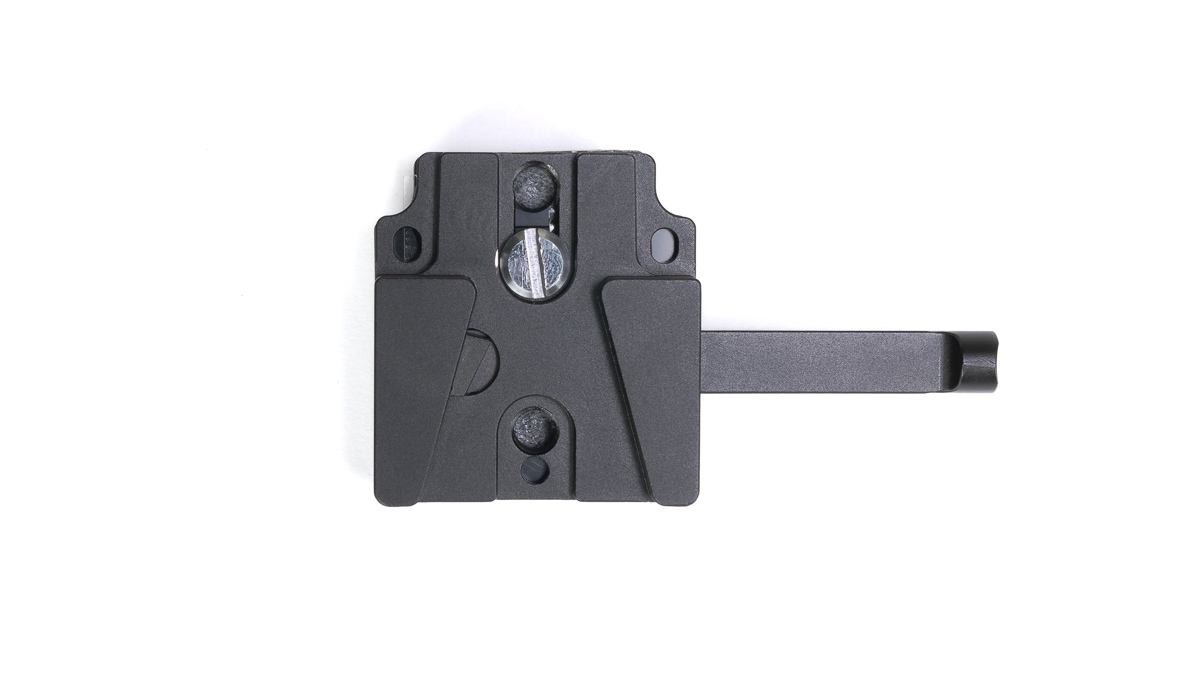
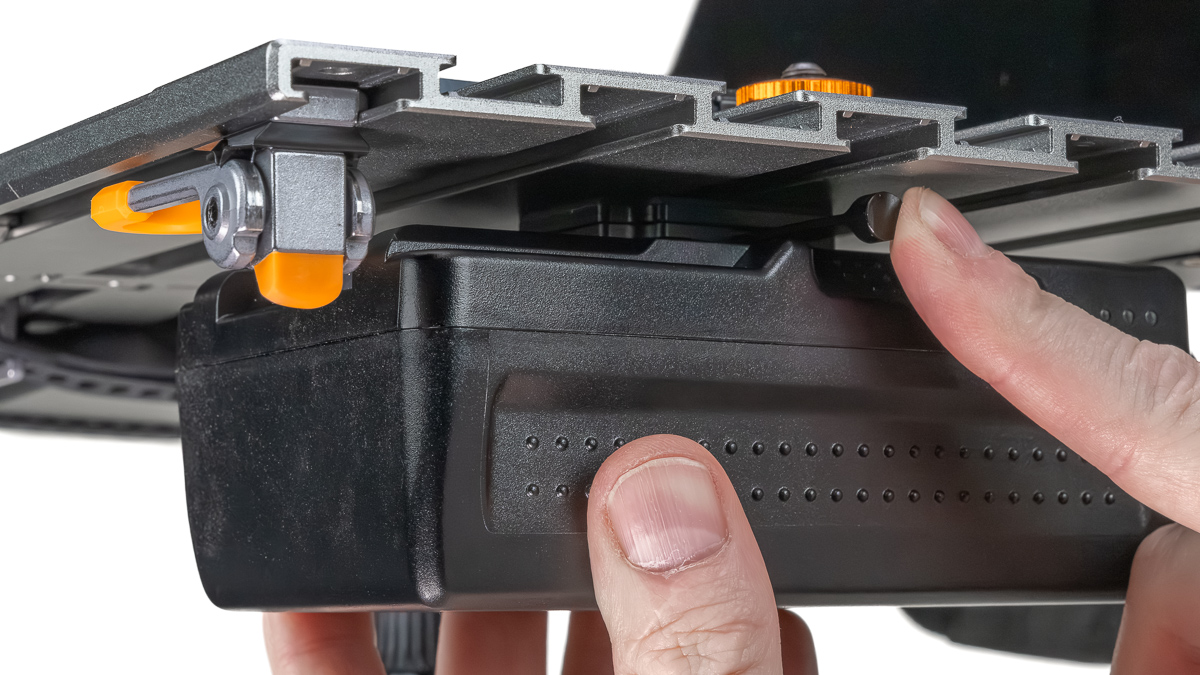
Constructed from lightweight aluminum, the adapter provides flexible mounting options while maintaining durability for fast-paced production environments. An easy-access quick-release button allows for rapid battery changes, minimizing downtime when every moment counts.
By lifting power solutions off the floor, the adapter reduces clutter and supports safer, more consistent workstation configurations helping photographers, digital techs, and large productions to maintain efficiency from studio to location.
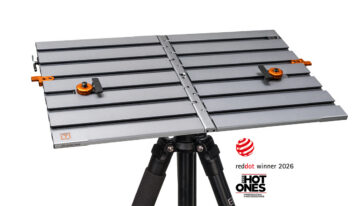
The AeroTrac Workstation System has been honored with the Red Dot Award for Product Design, recognizing its innovation, functionality, and precision engineering. This distinction reflects Tether Tools’ commitment to building professional, laptop-centric workflow solutions designed to perform in real-world environments.
Key Features:
- Keeps power accessible and off the floor
- Reduces clutter for cleaner workstation setups
- Flexible positioning with rotating design
- Built for professional production workflows