AeroTrac™ Tech Clamps

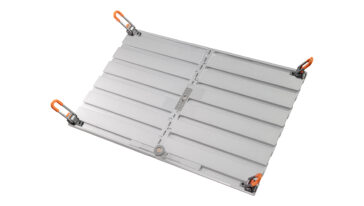
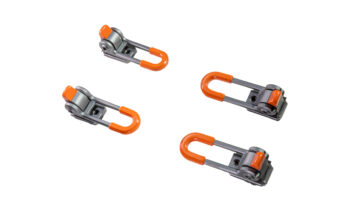
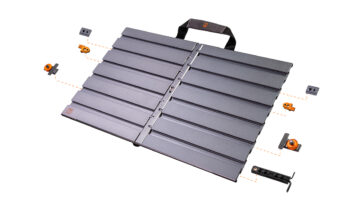
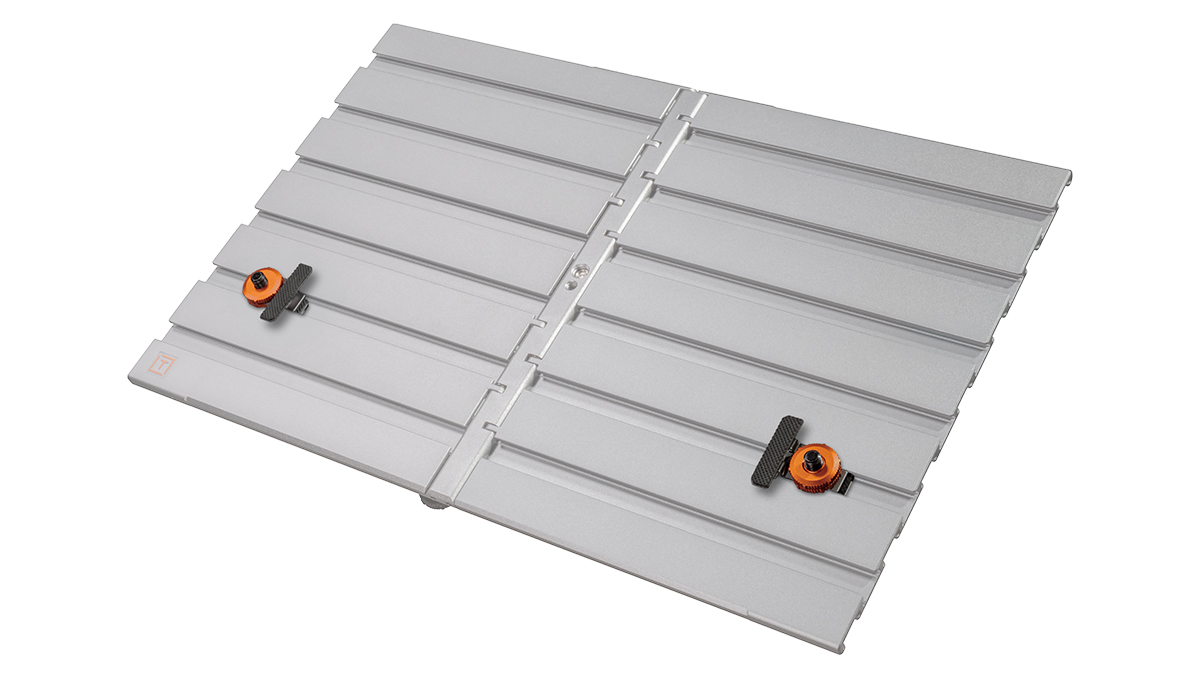
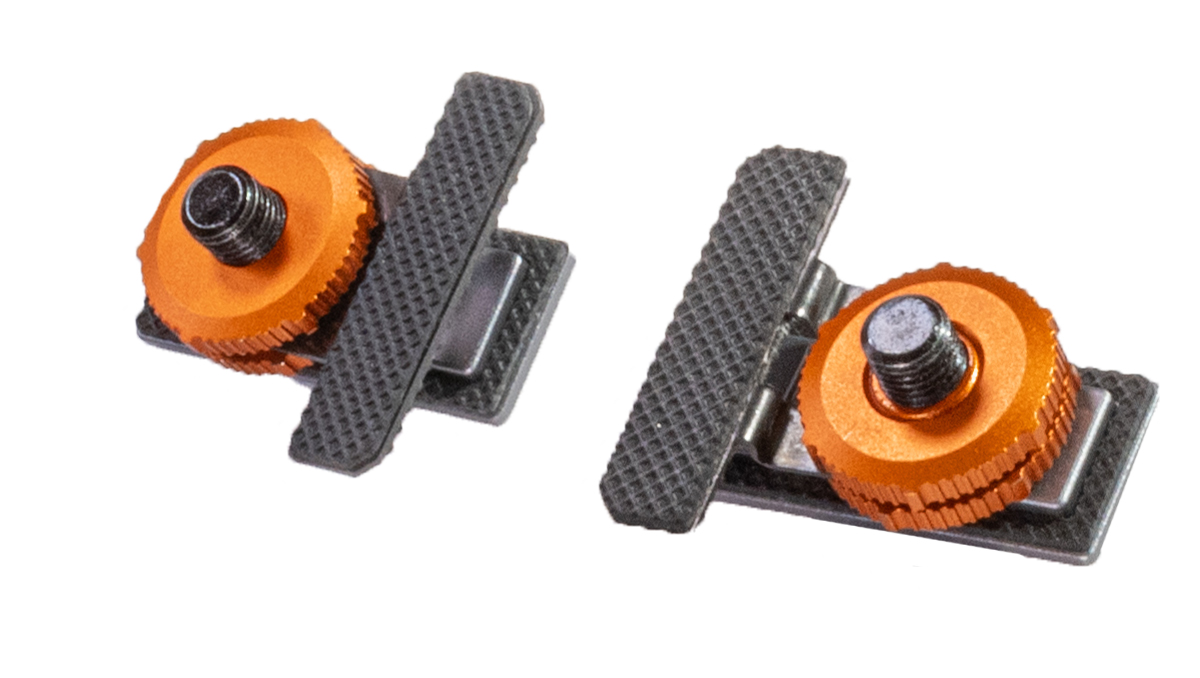
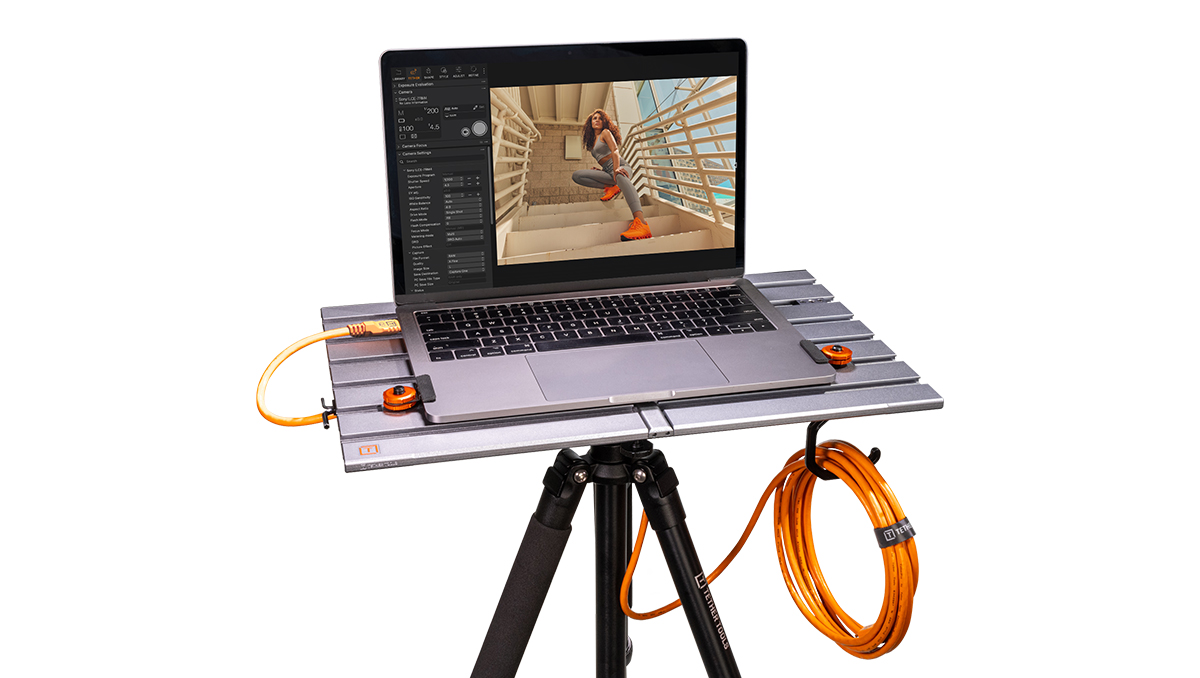
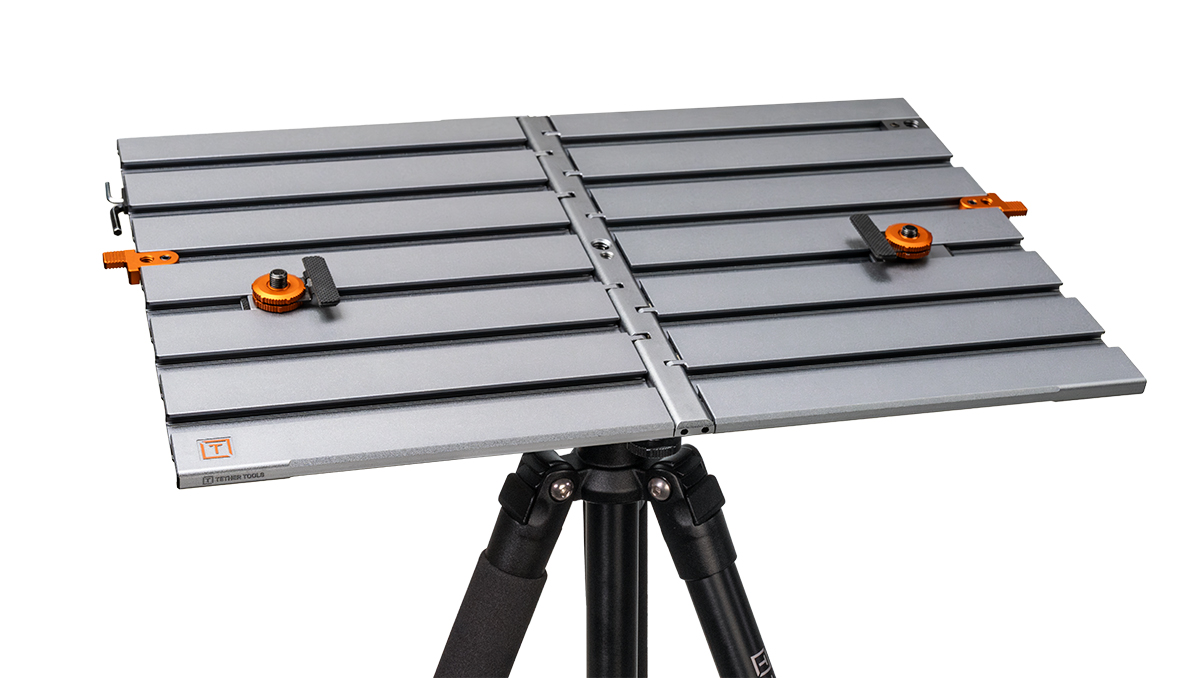
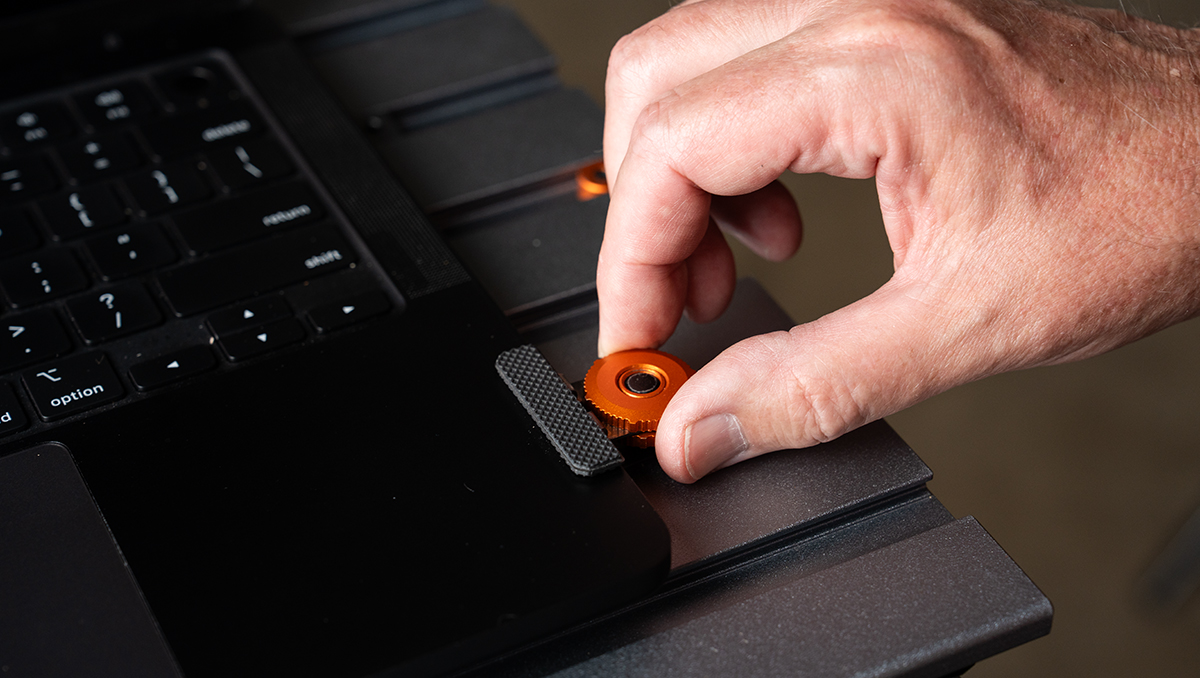
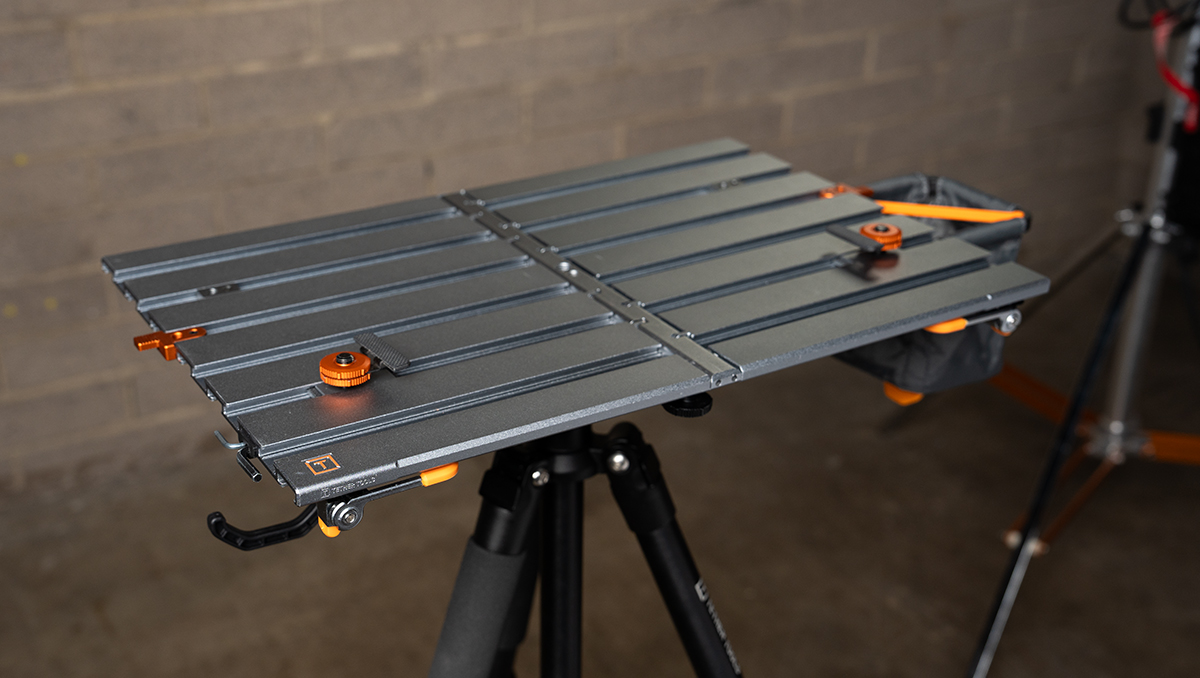
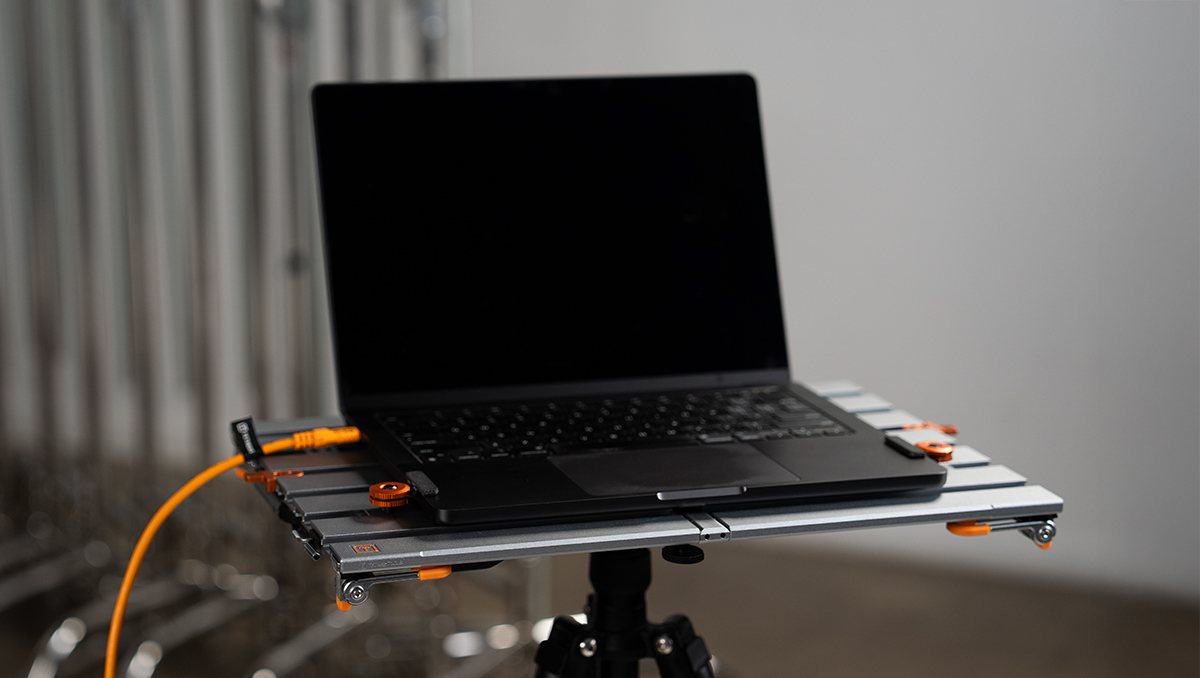
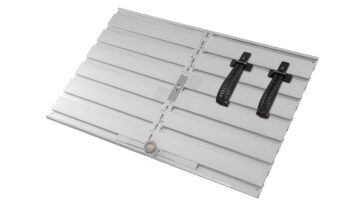
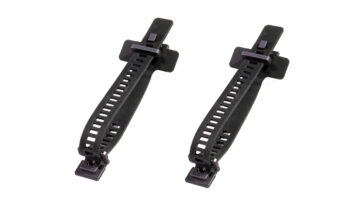
Secure laptops, tablets, hard drives, and more to the AeroTrac with low-profile, dual-padded Tech Clamps. The Tech Clamps are essential for keeping tech devices safe and locked in place. Designed to install easily into any track on the AeroTrac Workstation, each clamp can hold devices ranging from 3.6mm to 16mm thick.

$39.99

In stock

somdn_product_page

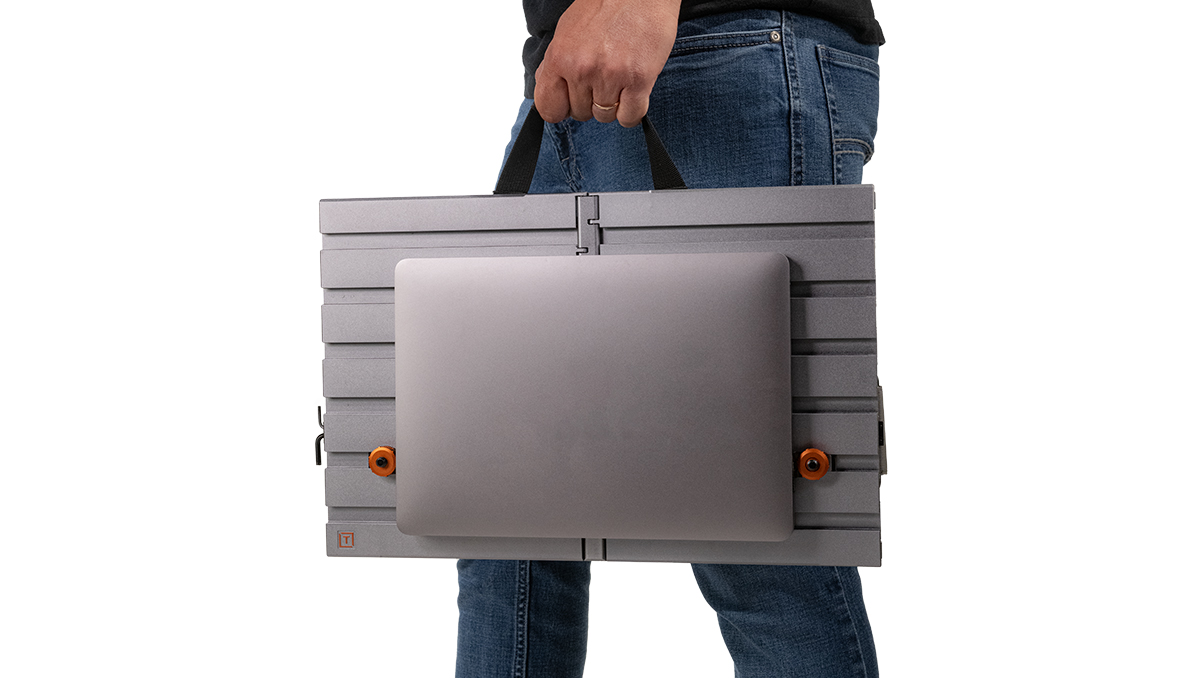
The AeroTrac Tech Clamps are essential for keeping tech devices safe and locked in during your shoot or transport. Designed to install easily into any track on the AeroTrac Workstation, each clamp can hold devices ranging from 3.6mm to 16mm thick. The dual-sided padding prevents scratching while keeping gear firmly in place. Rotate the clamp to match your device’s size using the step-up or step-down configuration.

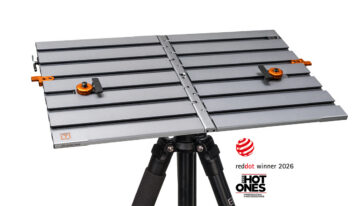
The AeroTrac Workstation System has been honored with the Red Dot Award for Product Design, recognizing its innovation, functionality, and precision engineering. This distinction reflects Tether Tools’ commitment to building professional, laptop-centric workflow solutions designed to perform in real-world environments.


Key Features:

  • Hold items from 3.6mm up to 16mm. Use step-up side for thicker devices; step-down side for thinner devices
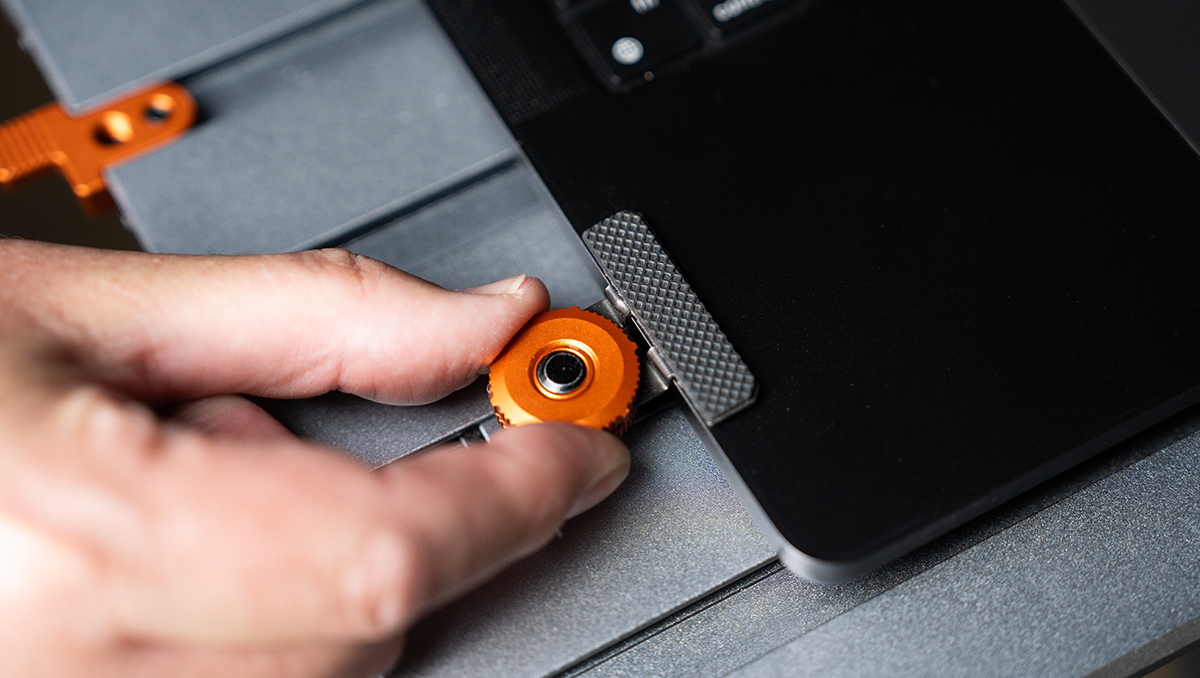
  • Tighten or loosen with a simple turn of the knob to lock or unlock devices
  • Non-marring, dual-sided pads protect screens and keyboards while keeping devices firmly in place
  • Installs in any track. Devices can be mounted in any direction and on top or bottom of AeroTrac
Specs:

  • Compatibility: Devices from 3.6mm to 16mm
  • Material: Aluminum with padded grip
  • Includes: 2x Tech Clamps
  • Warranty: Limited Lifetime

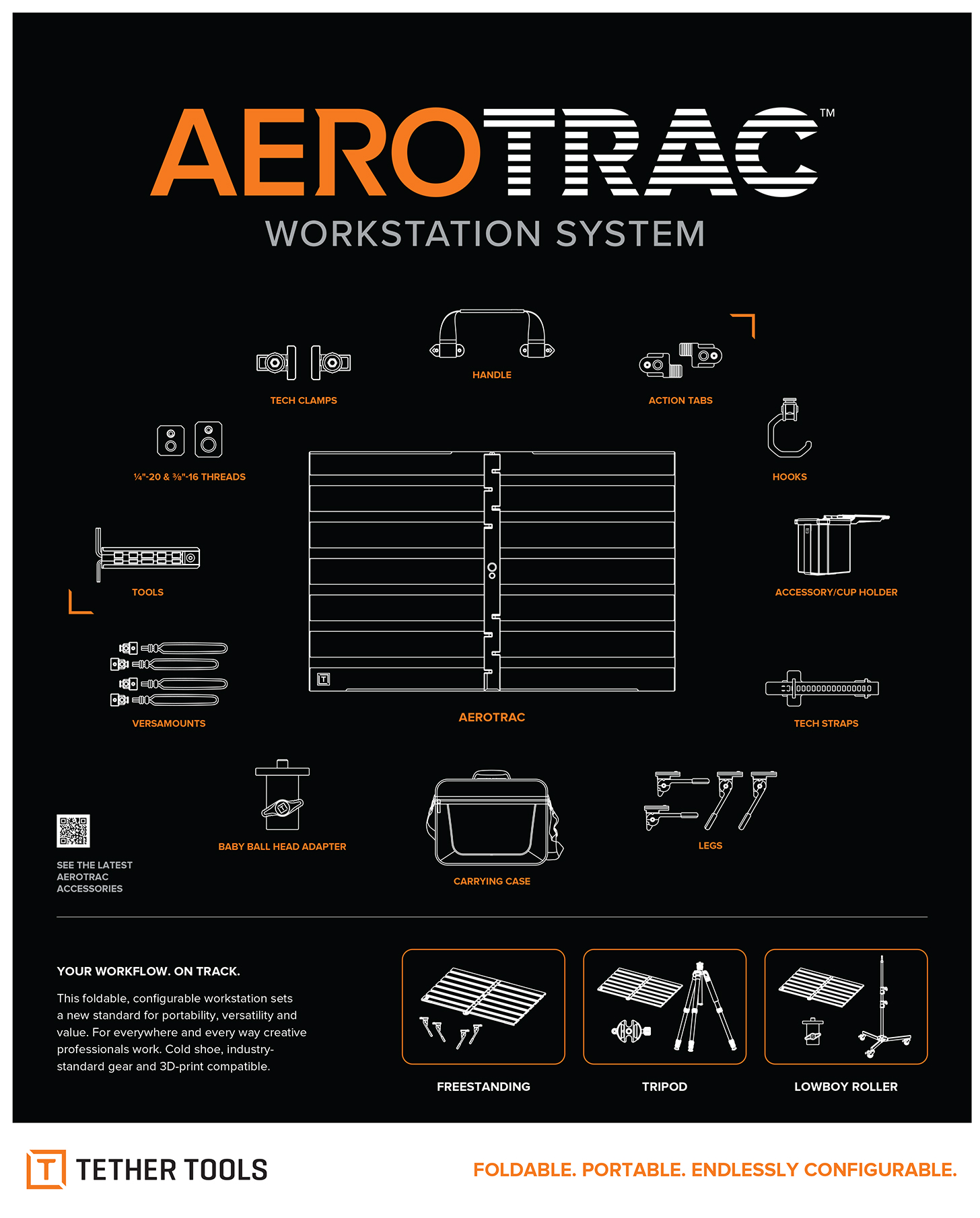
AeroTrac

Some tables will come from the factory with slightly excessive rigidity. This can result in the AeroTrac table not laying perfectly flat when opened and/or it may be difficult to slide the bar into the locked position. If your table is not perfectly flat when opened or you are having difficulty sliding the locking bar, you can easily correct this. Applying slight pressure to each half of the underside of the table will “teach” the table to open to the correct position. This will ensure the table is flat when open and that the sliding bar can easily slide into the locked position. The following video demonstrates the process for ensuring that the table opens correctly and that the sliding bar can move easily across the spine of the table. You will only need to perform this process once.

What’s Included?:

  • 2x AeroTrac Tech Clamps