

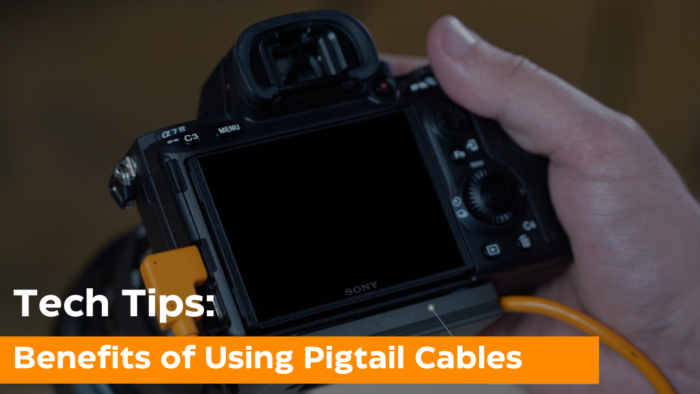
Tethering has become the industry standard across multiple niches of photography. Whether you’re a food photographer needing extra cable length for a flat lay setup, a commercial photographer looking for more flexibility during a shoot, or working on location and needing added distance in your tethered workflow, using an adapter, also known as “pigtail” cable, with proper cable management helps ensure a quick and secure setup.
Why Use a Pigtail Cable in Your Tethered Setup?
When shooting tethered, many photographers prefer using a pigtail cable. One benefit is that a pigtail cable makes cable management easier by creating a fixed anchor point at the camera. From there, longer cables or extensions can be routed away from the camera and secured to a tripod, stand, or cart.
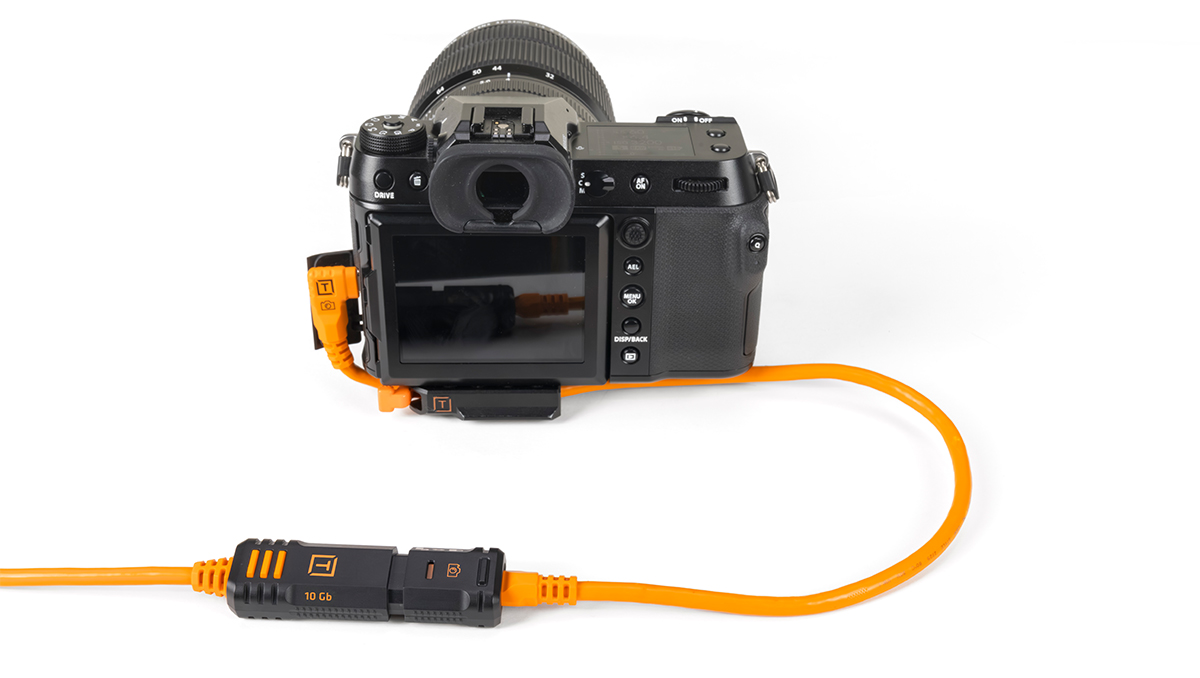
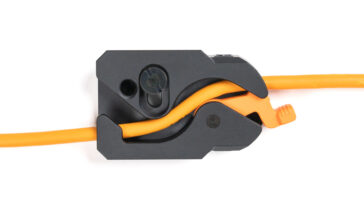
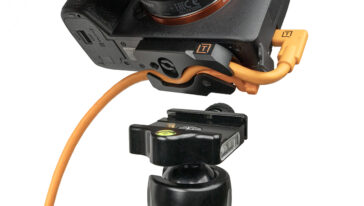
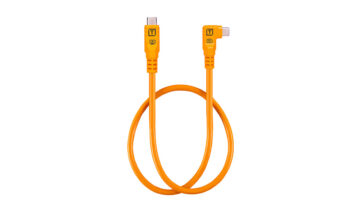
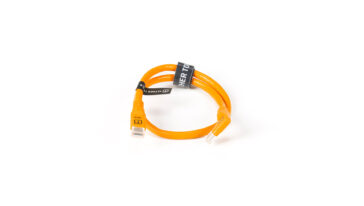
A TetherPro Optima 10G USB-C Straight-to-Right Angle Adapter “Pigtail” Cable, paired with a professional cable management solution like the TetherGuard LeverLock Plate, keeps cables secured at the camera body, rather than running a single long cable directly into the camera.
In addition to LeverLock, the TetherGuard Thread Mount integrates directly into threaded mounting points on camera cages, providing a secure anchor for the pigtail cable without interfering with your rig. This is especially useful for video-heavy or hybrid photo/video setups where cameras remain caged throughout a shoot.
Like other Optima 10G solutions from Tether Tools, the pigtail cable is designed for dedicated data-only transfer, eliminating power delivery interference from the camera that can cause unstable connections in tethered workflows. The Optima 10G pigtail cable is a right-angle connector that minimizes cable strain while offering a clean, space-saving, and port-protecting solution.
Reduce Strain on the DSLR Camera Port
Another benefit of using a pigtail cable is reduced stress on the camera’s USB-C port. Longer cables can more easily be tugged, twisted, or pulled as photographers move around their set. Over time, this can loosen or damage the camera port which can lead to costly repairs.
The TetherPro Optima 10G Straight-to-Right Angle Pigtail Cable features a right-angle connector that sits flush against the camera body, minimizing leverage on the port and helping protect it during handheld shooting, camera adjustments, or tight setups.
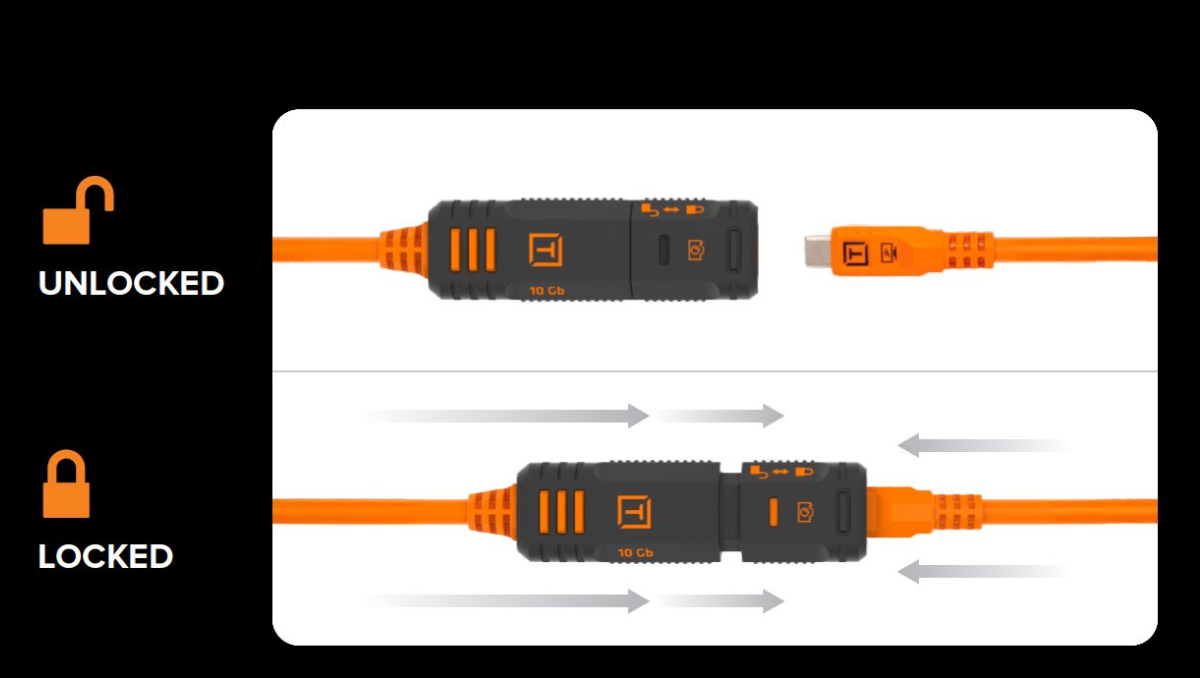
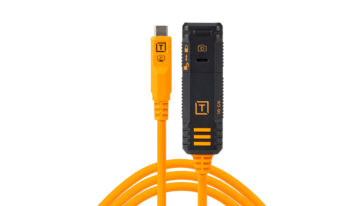
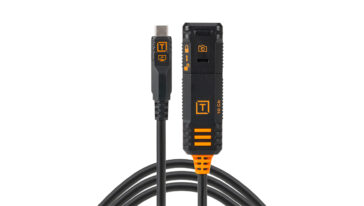
Using a pigtail cable along with an extension cable, such as the TetherPro Optima 10G TetherBoost Locking Extension Cable, this setup allows photographers to build longer tether runs while maintaining high-speed performance and a secure connection. A combination of a pigtail cable, cable management solution and extension cable allows photographers and digital techs an end-to-end image transfer solution that prevents accidental pulls while still allowing for fast file transfer. This results in a cleaner setup, reliable tethering, and fewer interruptions during a shoot.
Quick Camera Swaps on Photography Sets
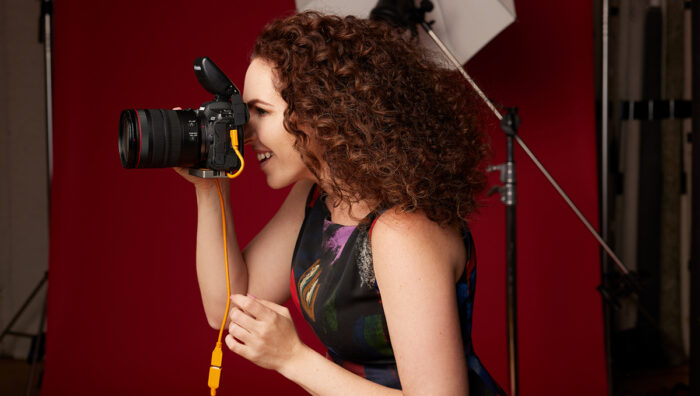
Many photographers also keep pigtail cables attached to multiple camera bodies. This makes swapping cameras simple and efficient, especially on commercial or multi-camera shoots.
Instead of repeatedly plugging and unplugging long tether cables at the camera port, the main tether cable can be disconnected from the pigtail and reconnected in seconds, reducing wear on the camera and minimizing downtime.
Cables Ideal for Phones, Tablet and Monitor-based Workflows
The 20-inch length of the Optima 10G pigtail makes it well-suited for modern tethered setups that go beyond traditional laptops. It’s commonly used for:
- Tethering to tablets or phones for mobile viewing workflows
- Connecting to on-camera or external monitors
- Handheld or on-the-go shooting where cable control matters
- Tight studio spaces where excess cable length becomes a liability
While a pigtail cable may be one of the shortest components in a tethered setup, it plays a critical role in protecting equipment, improving reliability, and streamlining workflows.
Complete your tethered workflow:
-
TetherGuard® LeverLock® Plate
$99.99 Add to cart -
TetherPro Optima 10G USB-C Locking Extension Cable
$79.99 Select options This product has multiple variants. The options may be chosen on the product page -
TetherPro Optima 10G USB-C 20” Straight to Right Angle Adapter
$19.99 Add to cart -

Cord Protect Weatherizer
$9.99 Add to cart
